Restaurant reservation automation: tables and takeout
Restaurant reservation automation: the AI answers table and takeout requests; with booking tools on it books a free time, if not it hands off to your team.
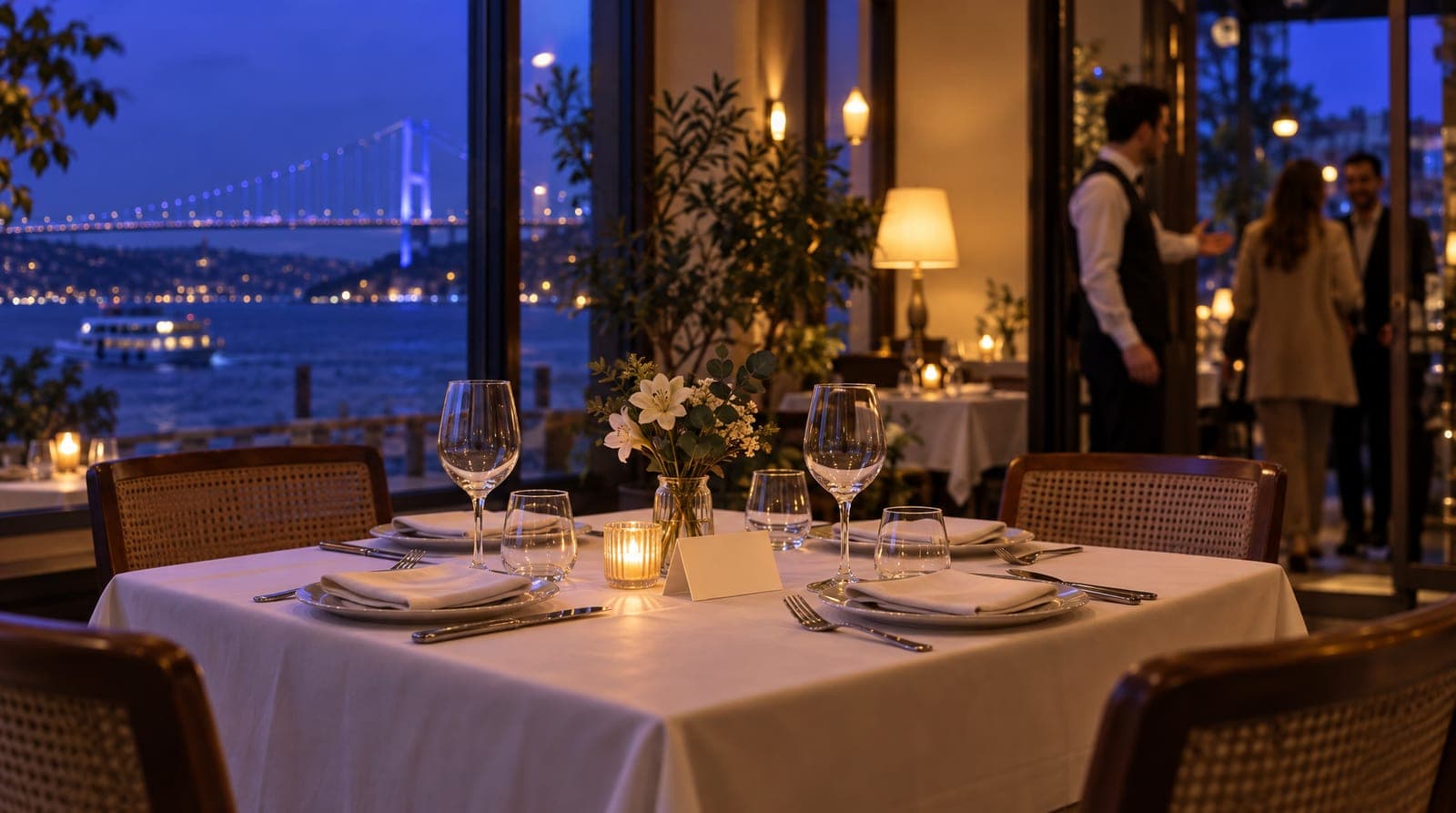
A restaurant’s phone rings and the DMs pile up right in the middle of evening service: "Got a table for 4 this Saturday?", "Can you set up a window seat for a birthday?", "Do you do takeout, do you deliver to my area?". When the dining room is full, keeping up with these messages is impossible; when the guest gets no answer, they book somewhere else. And some of the reservations you do answer never show up: an empty table is lost revenue on a full evening.
inTusell takes over this traffic: it gathers reservation requests, replies based on your working hours, sends reminders, and reduces no-shows. This article explains restaurant reservation automation: how a restaurant automates its table booking and takeout order flow with inTusell. It is part of the restaurant section of our sector-by-sector "how to train your AI" series.
Quick answer
inTusell collects reservation requests from WhatsApp and Instagram in one inbox; the AI takes the date, time and party size. If the AI booking tools are on, it books a free time within your working hours; otherwise it passes the request to your team. On paid plans it sends reminders 1 day and 2 hours before; if your menu is set up as products and Payment tracking is on, it also opens takeout orders. The AI never invents a free time or a dish; when unsure, it hands off to your team.
Who is it for?
This article is for businesses that manage reservation and takeout traffic from messages: à la carte restaurants, cafés, brunch spots, steak/seafood restaurants, and venues that get busy at night. It makes a real difference, especially for businesses that cannot keep up with the phone and DMs during evening service and lose tables to no-shows.
How does a reservation work?
When a guest writes "Saturday evening, 6 people," the assistant fills in the missing details: time, special note (birthday, allergy, seating preference), and contact. What happens next depends on your account. If the AI booking tools are on, the AI checks your working hours, reservation length and booked times, offers only real free times and books the free slot itself; the party size and special note go into the reservation note, and a booked time is never shown as "open." If not, it passes the request to your team with those details, and you confirm the time or the guest picks a free slot on your online booking page. To see which applies, ask for a reservation in AI Test. A second reservation at the same time is blocked by the system; if you take reservations for several tables at the same time, you define that service as a group session with capacity (for example "Saturday 20:00, capacity 10"). Capacity counts reservations, not people; table assignment stays with you on the floor.
| Step | What happens | Who’s in control |
|---|---|---|
| Request | Guest writes date/party size | AI asks for what’s missing |
| Availability | Options based on working hours + booked times | You set the rules |
| Confirmation | The AI books it if the booking tools are on; otherwise the request goes to your team | AI or you |
| Reminder | Message 1 day + 2 hours ahead (paid plans) | Automatic |
| Change | Guest edits/cancels from their own link | Guest |
In unclear cases or those that strain capacity (large group, private event), the AI does not commit; it hands the request off to your team. This avoids a promise you can’t keep.
Reducing no-shows
Taking a reservation is easy; making sure the guest shows up is the real challenge. inTusell uses the reminder mechanism of the appointment engine: on paid plans an automatic message goes out 1 day and 2 hours before the reservation, and the 1-day message asks for confirmation: "1 Yes · 2 Postpone · 3 Cancel". The guest confirms, changes, or cancels their reservation with that reply or from the link in the message. Because a cancelled time frees up early, you can open that slot to another request. The result: fewer empty tables and a more predictable evening.
Routing takeout and pickup orders
Alongside reservations, takeout requests come in too. The AI provides menu and delivery-area information from the knowledge base. If your menu is set up as products in the panel and Payment tracking is on, it confirms the items and amount with the guest, opens the order and sends the guest an order tracking link; delivery stays with your own takeout line or courier. The rule here is the same: it does not invent an item that is not on the menu or a price it does not know; when unsure, it hands off to your team.
What it isn’t
inTusell is not a simple chatbot: it is an AI sales assistant and CRM that answers messages on WhatsApp, Instagram and web chat, books appointments and opens orders, and follows each customer through the sales pipeline. Nor is it a system that forcibly replaces your reservation book; it is the layer that handles the request and opens the reservation. It keeps no table plan and does no table assignment. It does not offer a cancelled or no-show time to other guests on its own; a guest who went quiet gets at most 3 follow-up messages written by the AI, within business hours, on WhatsApp, Instagram or Telegram. And it is not a POS system; it opens the order and passes it to your team, but does not take card payments.
Frequently asked questions
Does inTusell complete a table reservation on its own?
It depends on your account. The AI collects the date, time, party size and any special note (birthday, window seat, etc.). If the AI booking tools are on, it offers real free times based on your working hours, books the reservation itself and writes the party size and note into it; otherwise it passes the request to your team and you confirm the time. It never shows a booked time as "open." It does no table assignment; for a large group or a private event it hands off to your team.
How does it reduce no-shows?
On paid plans an automatic reminder goes out 1 day and 2 hours before the reservation; the 1-day message asks for confirmation: "1 Yes · 2 Postpone · 3 Cancel". The guest changes or cancels the reservation from the link in the message. Because a cancelled time frees up early, it opens to another request.
Does it take takeout orders?
Yes. The AI provides menu and delivery-area information from the knowledge base; if your menu is set up as products in the panel and Payment tracking is on, it confirms the items and amount, opens the order and sends the guest an order tracking link. It does not invent an item that is not on the menu or a price it does not know; when unsure, it hands off to your team.
Which channels can reservations come from?
Requests from WhatsApp, Instagram DMs and comments, Telegram and web chat are collected in a single inbox. No matter which channel the guest writes from, the same assistant replies 24/7 in the language the guest writes in.
Do I need to change my existing reservation book?
No. inTusell is the layer that handles the request and opens the reservation; it does not touch your floor or table layout. You define your working hours, reservation length and how many reservations you take at the same time (a session with capacity), and the assistant works within them.
Will I miss requests that come in during peak hours?
The risk drops: the AI keeps answering at the busiest moment of evening service, and reservation requests are gathered while staff tend to the dining room. Only the cases that genuinely need a human decision land on the Decisions page.
Next step
To get the assistant ready for this job, you’ll first find how a restaurant trains the inTusell AI, and how it works in daily service in how a restaurant uses inTusell. To see where the requests come from, take a look at Instagram and WhatsApp automation for restaurants. For your business, you can explore the restaurant solution and check out the pricing page.
If you’d like to see it with your own scenario, get a demo or write to hi@intusell.com. For all the guides, see the inTusell blog.
You read the blog. Now see it live.
Test inTusell live with your own sector scenario in a 20-minute demo.