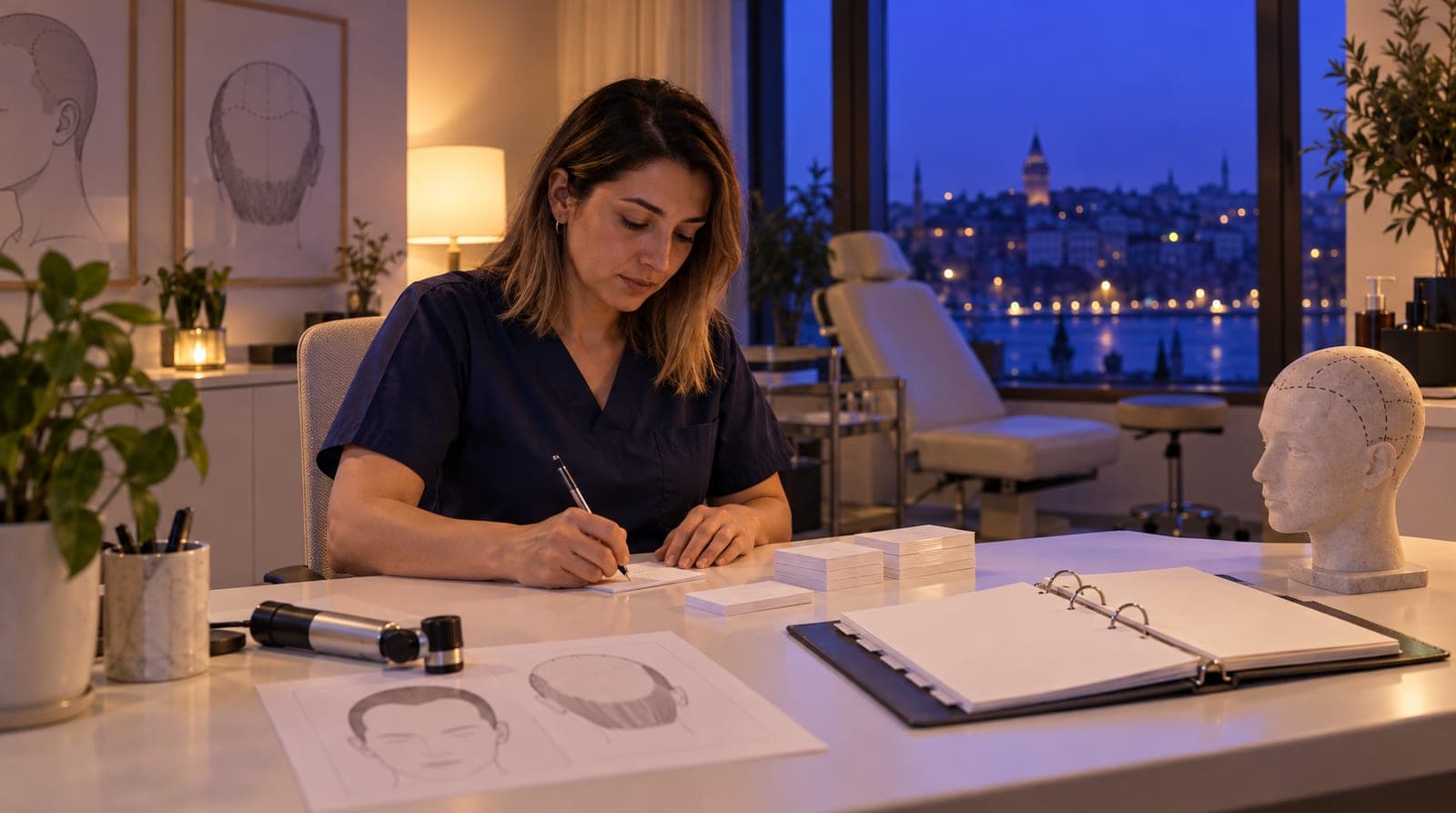
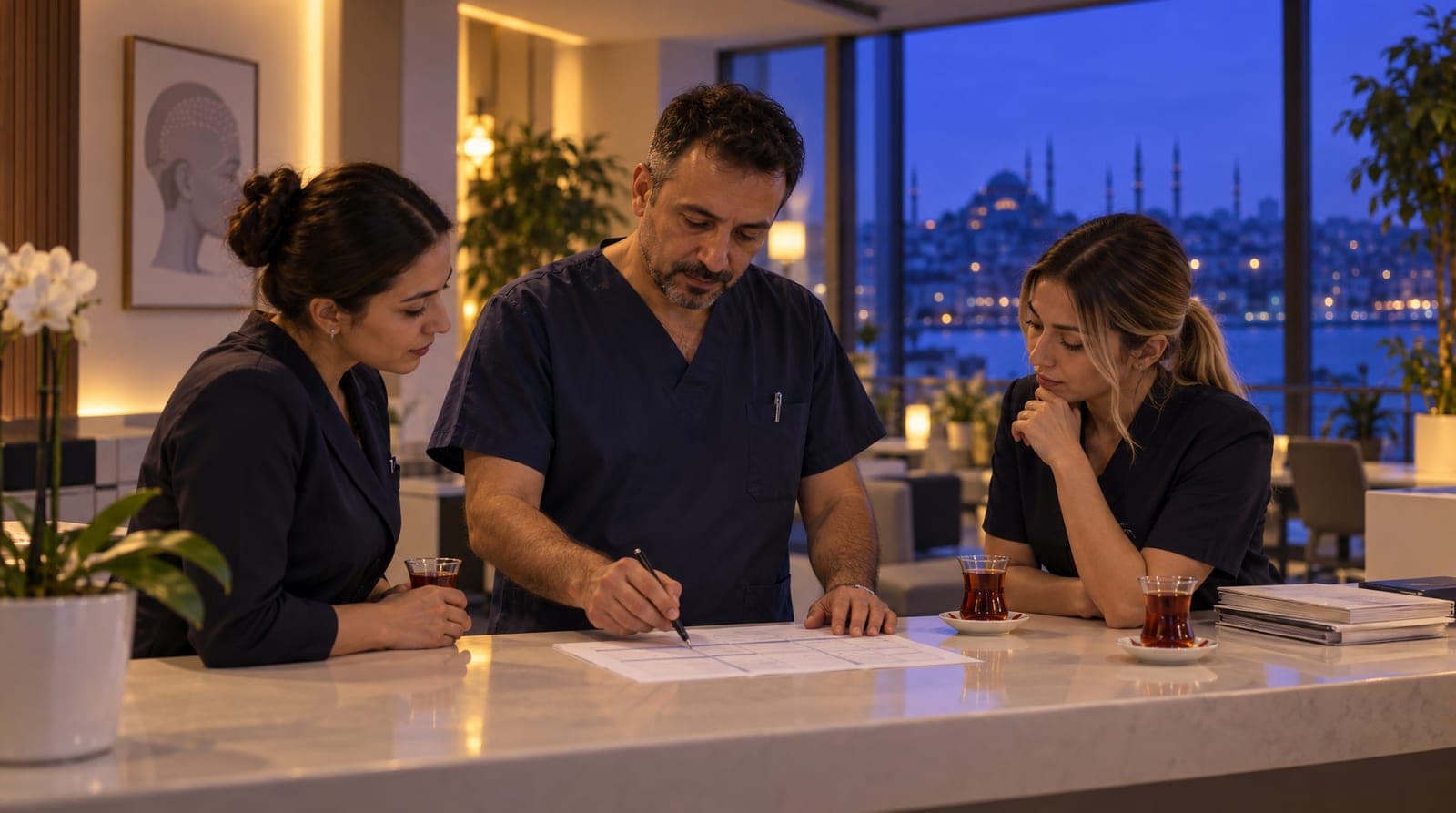
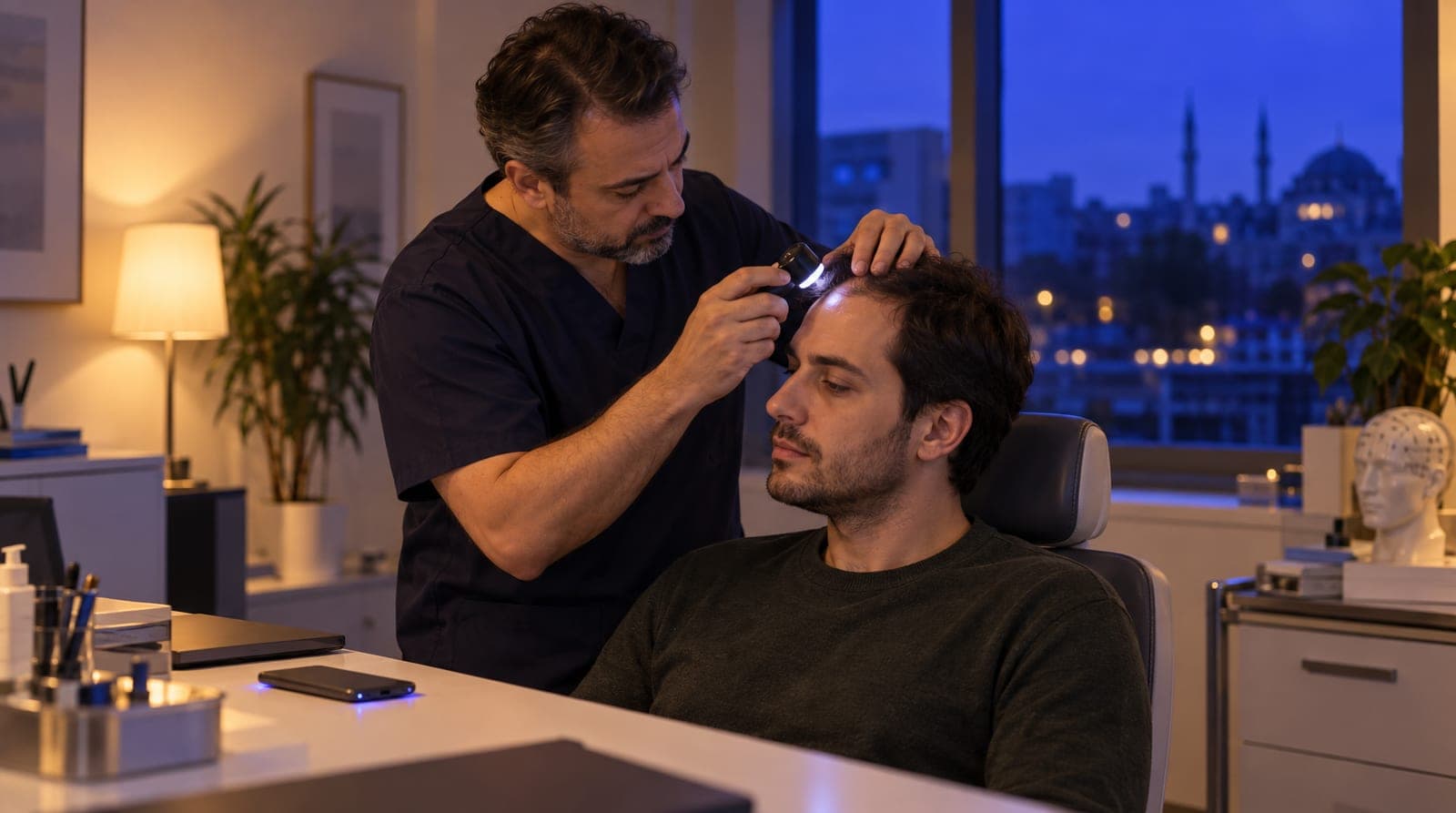
Multilingual hair transplant consultation automation
Hair transplant consultation automation: online and in-person types, multilingual pre-screening, conflict checks, reminders. No invented grafts or prices.
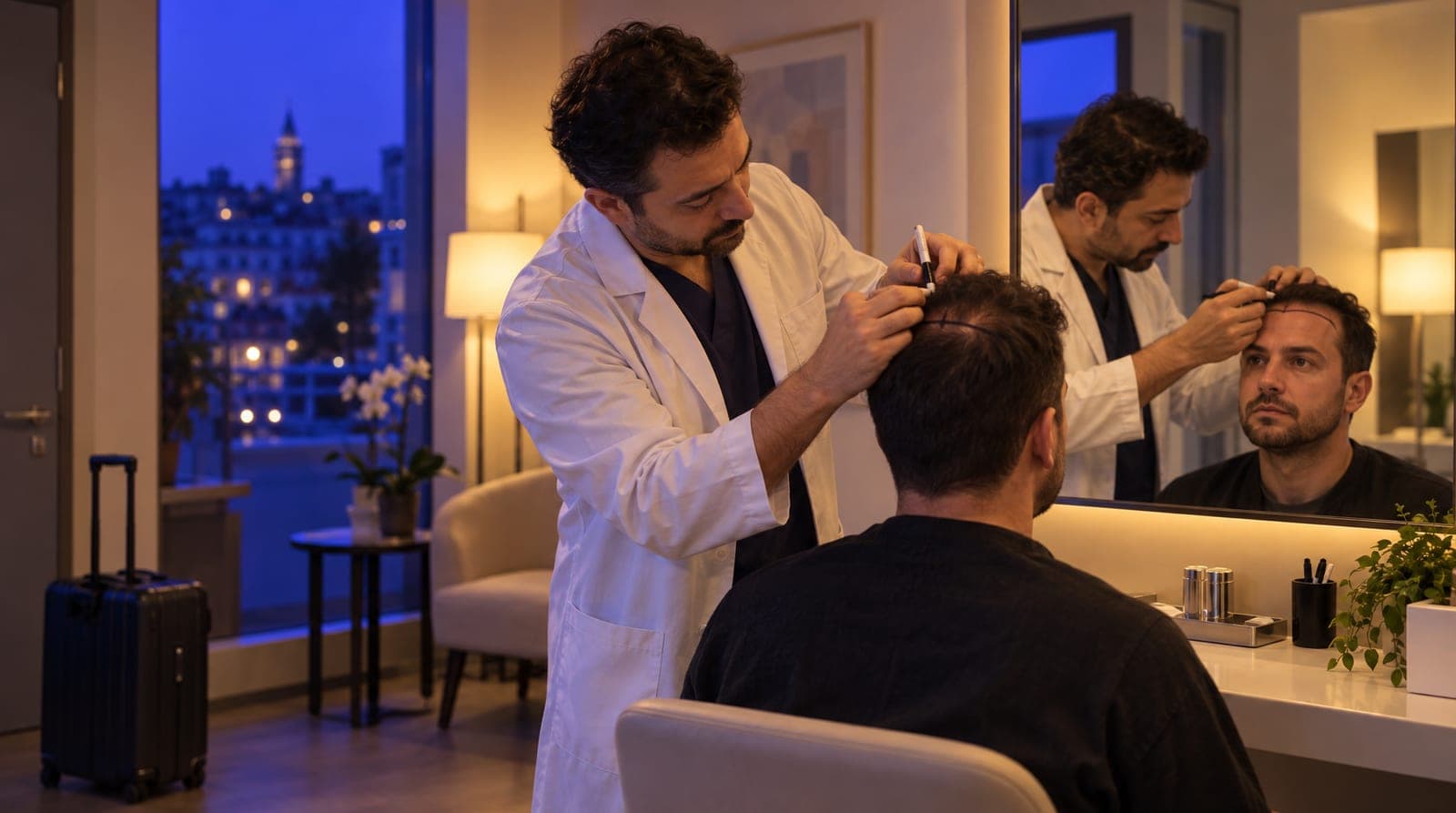
At a hair transplant center, the heart of the sale is the consultation. The patient writes from the DMs "the crown is thinning, how many grafts do I need, how much?"; the right answer is not a number or a price, but an invitation to an assessment. But if that invitation doesn’t go out on time, in the patient’s language, and with a place on the calendar, the patient moves on to comparing another center. What’s more, in hair transplants the inbox is distinctly international: in German from Germany, in Arabic from the Gulf, messages landing at midnight. This article explains how, with hair transplant consultation and operation pre-screening automation, you set up the center’s consultation engine on inTusell, from online/in-person consultation types to multilingual pre-screening, from conflict prevention to rescheduling patients who do not show.
This article is the hair transplant consultation and engine leg of our sector-by-sector "how to train your AI" series. For the hair transplant pillar, see the how to train your hair transplant center AI article; for the general health pillar, see the how to train your clinic AI article.
Quick answer
inTusell’s hair transplant consultation engine has four parts: online and in-person consultation types, business hours and exceptions, a conflict check that prevents double-booking, and reminders 1 day and 2 hours before. Multilingual pre-screening sits on top. The AI does not diagnose, recommend graft counts or technique, or invent prices; it leaves the assessment to the doctor.
Why consultation and pre-screening automation
There are three reasons to move the consultation and pre-screening to inTusell: so that no demand gets lost because of a language or time difference, so that no appointment goes without a reminder, and so that no one forgets the international patient who says "let me think about it" and disappears. In manual mode, everything depends on the patient advisor’s working hours, translation ability, and memory; in automatic mode, pre-screening runs 24/7 and in the patient’s language (in Full approval, where a new healthcare account starts, replies go out once you approve), the consultation slots into the calendar, the reminder goes out on its own, and the patient who went quiet is proactively reached again.
Think of the concrete difference like this:
| Situation | Manual tracking | Automatic (inTusell) |
|---|---|---|
| First reply | During working hours, in one language | 24/7, in the language the patient writes in |
| "How many grafts / how much?" | The advisor might give an off-the-cuff number/price (risk) | The AI doesn’t invent a number/price, moves to a consultation |
| Conflict | Open to human error | The system prevents it (no double-booking) |
| Appointment reminder | By hand, one by one, can be forgotten | Automatically 1 day + 2 hours beforehand |
| Time-zone difference | A night message waits until morning | A reply at night too, online consultation suggestion |
| No-show | Empty slot, lost revenue | When attendance is marked, a rescheduling message with up to 3 open times |
inTusell is an AI sales assistant and CRM that answers messages on WhatsApp, Instagram and web chat, books appointments and opens orders, and follows each customer through the sales pipeline; it is not a simple chatbot. This table shows where it works like an experienced patient coordinator at a hair transplant center. A good coordinator doesn’t look at a photo and fire off a graft count; they take it to the doctor. They don’t hand out a consultation time out of thin air; they look at the calendar. And they don’t leave the patient without a reminder. Most importantly, they don’t take the doctor’s place.
Who is it for?
This consultation engine especially makes sense for these hair transplant centers:
- Centers performing FUE, DHI, and sapphire hair transplants and also offering beard, mustache, and eyebrow transplants.
- Centers working with medical tourism that need to respond to messages in English, Arabic, German, and French at the same time and on time.
- Teams receiving dozens of photo-based "how many grafts?", "how much?", "FUE or DHI?" requests per day from Instagram DM and WhatsApp.
- Centers with heavy international patient traffic that have to manage online consultations across a time-zone difference.
- Centers hurt by no-shows and by answering night messages late.
No technical knowledge is required; setup is done from the panel, without writing code.
1. Setting up consultation types: online and in-person
The foundation of the consultation engine is appointment types. In hair transplants, defining at least two types makes your job distinctly easier: an online consultation for international patients and an in-person assessment for patients who can come in. Each type has three important settings:
| Setting | What it does | Example |
|---|---|---|
| Duration | How many minutes the appointment takes | Online Consultation 20 min, In-Person Assessment 30 min |
| Buffer | The gap left after the appointment | 10 min prep after the assessment |
| Color | Distinguishing in the calendar | Online blue, in-person green |
Duration is critical for the AI to compute the slot correctly: if "Online Consultation 20 min" is defined, the AI looks for a 20-minute gap and won’t squeeze it into a quarter-hour window. Defining the online type separately lets you see an international patient without waiting for travel; the AI can suggest in-person to a patient who can come in and online to a remote patient. If you like, you can also define an informational fee field on a type; but remember, the AI does not market package or graft pricing on public channels on its own. We covered this behavior in detail in the how a hair transplant center uses inTusell article.
2. Business hours and holiday exceptions
So that the AI only offers consultations during the hours you’re open, you define your business hours. This is two-layered:
- Weekly business hours: The opening and closing time for each day of the week (for example Monday-Saturday 09:00-18:00). You mark closed days as "not available".
- Exceptions (overrides): A special rule for a specific date. For a public holiday, religious holiday, or in-house day, you add a "not available" exception for that day and write a reason ("Public holiday: closed"). You can also change the hours for a single day.
This way the AI doesn’t offer a consultation on a holiday morning and doesn’t let a patient book a time after closing. A practical note for international patients: if you plan online consultation slots to coincide with the hours your target markets are awake, patients find a suitable time more easily; business hours let you define this flexibility.
3. Conflict prevention: no two patients at the same time
This is the consultation engine’s most critical protection. Before creating an appointment, inTusell checks two things: is the requested time within business hours, and is that slot booked? If there’s a conflict, the appointment isn’t opened.
Important detail: cancelled (cancelled) and missed (missed) appointments free the slot back up in this check. So when a patient cancels, that time automatically becomes available again and can be opened to another patient. Booking two patients into the same advisor’s or doctor’s slot (the most common mistake of a manual agenda) is mathematically prevented.
Every appointment has a status, and its lifecycle is clear:
scheduled
  → confirmed
  → attended (came / completed)
or
  → cancelled
  → missed (no-show)
4. Multilingual pre-screening: language, time zones, and logistics
In hair transplants, what sets the consultation engine apart from other sectors is language. When a patient writes in English, Arabic, German, or French, the AI detects the language automatically and runs the pre-screening in the same language while preserving the health tone. You don’t keep a separate translator, a separate account, or a separate shift; one assistant, one inbox.
This multilingual pre-screening makes your job easier on three fronts:
- Process and accommodation questions: It answers logistics questions like "How many days do I need to stay, are the hotel and transfer included?" from the accommodation document you uploaded to your knowledge base, in the patient’s language.
- Preparation instructions: In cases like "I’m on blood thinners before the procedure", it shares general preparation info and leaves the patient-specific decision to the doctor.
- Moving to an online consultation: It suggests the online type instead of in-person to a patient abroad and finds a slot suitable for your business hours.
Fixed system messages such as reminders go in Turkish to patients who write in Turkish and in English to everyone else; the phone voice AI speaks Turkish today. You can also feed pre-screening with past conversations: when you upload and mark the audio recordings of your won past patient conversations in the panel, the AI learns which question your best patient advisor asked and how they moved a hesitant patient to a consultation. You can find this entire training flow in the how to train your hair transplant center AI article.
5. The medical boundary: the AI does not make graft/technique/result decisions, and does not invent prices
In hair transplants there are two boundaries that come even before the consultation engine; for this engine to work correctly, both must be clear.
The first is the medical boundary. In health mode the AI does not give medical advice, does not diagnose, does not recommend graft counts or technique (FUE/DHI), and does not promise results. For questions like "how many grafts do I need?", "is FUE or DHI right for me?", "will this crown fill in?", it doesn’t pick a side or make a commitment; it informs in general terms from the process descriptions in your knowledge base and routes to an assessment by saying "our doctor will clarify this at the consultation". Graft count, technique, and result are medical decisions that depend on a person’s hair structure and always belong to the doctor. The AI is a communication and consultation layer; it does not take the doctor’s place.
This boundary isn’t left to the rule you write alone. The primary safeguard is the instruction health mode gives the AI to "not give advice, route to the doctor". In addition, boundary-crossing phrasing like "guaranteed grafts", "certain natural result", "one hundred percent take rate", and "permanent cure" is flagged through pattern scanning and a second model check. The important point: this medical review layer is not a "wall that silently blocks" the response, but a shadow layer that detects and flags risky output; what determines the actual behavior is the system instructions given to the AI. So even if you forget to write a rule, the health mode instructions still apply, and the filter flags and logs the risky phrasing. It is an extra safety layer, not a guarantee.
The second boundary is not inventing information. The AI does not invent a price, a graft count, or a piece of information. It doesn’t guess on a topic it’s unsure of; it says it doesn’t know and routes to the right step: the consultation or the live team.
6. When a photo arrives: the assessment goes to the doctor
In hair transplants, most patients send crown and front-line photos and immediately expect a graft count or price. This is the consultation engine’s most critical step: looking at a photo and giving an off-the-cuff number both misleads the patient and runs afoul of regulations. inTusell runs this step correctly.
When a photo arrives, the AI:
- Does not use the photo for a patient-specific graft count, technique, or result promise, and doesn’t derive a price.
- In a typical setup, says the photo will be forwarded to the team for the doctor’s assessment and invites the patient to a consultation (online or in-person).
- Moves the patient to the next step without stalling them.
An important nuance: a file, document, audio, or image arriving is not on its own a reason to hand off to a human. The AI receives the photo, responds with the right phrasing, and continues the pre-screening; only when a patient-specific medical assessment is required does it move the conversation to the doctor or the team.
7. The appointment reminder engine: 1 day + 2 hours before
A missed consultation is expensive at a hair transplant center: it means wasted doctor and advisor hours, and on top of that, the loss of the time-zone window reserved for an international patient. This is the part that actually reduces no-shows. Two reminders are scheduled automatically for every appointment:
- 1 day before: "Hello [name]! You have a consultation tomorrow at [date time]. See you soon! [assistant name]", followed by "Are you coming? 1 Yes · 2 Reschedule · 3 Cancel". The patient’s answer is recorded on the appointment.
- 2 hours before: "Hello [name]! You have a consultation today at [time], 2 hours to go. We’re expecting you. [assistant name]"
The message is signed with your center’s assistant name and includes a change/cancel link. The reminder is a fixed system message: it goes in Turkish to patients who write in Turkish and in English to everyone else. If the patient gives advance notice that they can’t make it, the slot doesn’t go to waste.
The reminder isn’t confined to a single channel; it works with a fallback chain:
- The channel the patient wrote on (WhatsApp, Instagram DM, Telegram).
- If that channel fails and an SMS provider is set up, SMS.
- If SMS fails too, email.
- For patients who come in over web chat, the message is recorded directly into the chat history.
You can turn reminders on or off for each appointment. The system sends reminders only once; the same reminder going out twice is prevented. Reminders run on paid plans; on the Free plan automations are off.
8. No-shows and rescheduling
If the patient still does not show up despite all the reminders, you mark the appointment with the "No-show" button in the Agenda or Day view; an appointment still not marked "Attended" about 2 hours after it ends also counts as missed. After that:
- Pending reminder jobs are cancelled (no longer needed).
- The Google Calendar event is not deleted; the event is deleted only when the appointment is cancelled.
- If you mark attendance in the panel, the patient who did not show gets a rescheduling message with up to 3 numbered options from your real open times and an appointment management link.
- The patient is placed into the follow-up flow ("follow-up needed").
This message has one condition: if you have not marked any appointment "Attended" in the last 30 days, "missed" is only a guess and the message is not sent, because telling someone who did come "we missed you" is worse than not writing at all. It is also not sent if reminders are off for that appointment or the patient has turned off service notifications. The patient can move the missed appointment to a new time from their own link within 7 days. The same logic works for patients who say "let me think about it" and go quiet: a patient who got information and disappeared gets up to 3 follow-up messages written by the AI, only during business hours, and follow-up stops when the patient replies or books. Every conversation is recorded in the CRM. You can find how this flow plays out in daily operations in the how a hair transplant center uses inTusell article.
9. Google Calendar sync (one-way)
If you want your team to see their day through their own Google Calendar, you connect the calendar by signing in with your Google account. Let’s be clear about how the sync works: it is one-way (inTusell → Google Calendar).
- When a consultation is created, an event drops into Google Calendar with the title "Appointment: patient name".
- When the appointment is rescheduled, the event is updated.
- When an appointment is cancelled, the event is deleted; a missed appointment keeps its event on the calendar.
The reverse does not apply: a change you make by hand in Google Calendar does not flow back to inTusell, and the conflict check does not look at Google Calendar’s busy times. The conflict is always computed from inTusell’s own appointment book. That’s why Google Calendar is a "viewing convenience", not the appointment source. Even if you don’t connect it, the consultation, reminders, and conflict prevention work exactly the same. You can review the integrations on the integrations page.
10. KVKK and special-category data
Data related to hair transplants is special-category personal data under KVKK (Turkey’s data protection law); the crown/front-line photos and health history the patient sends are included in this. With patients from Europe, EU data protection rules can come into play too. inTusell gives you these tools for it:
- Consent record: Consent is recorded per channel and purpose, with its time; the patient can see and change their choice through a consent portal link.
- Legal notices: "Legal notices" under My business › Business Info sends the patient a short KVKK note at first contact that carries your own privacy link, and adds an opt-out line to promotional messages. It is on by default; only the owner or an admin can change it.
- Sensitive field control: The AI does not save high-sensitivity fields such as "Medical history note" without your confirmation.
- Encrypted storage, separate data and deletion: Data is stored encrypted and each business’s data is kept separate. A retention policy deletes expired data nightly, and "Download My Data (KVKK)" gives you an export. In the sales call recordings you upload, phone numbers, emails, ID and card numbers are masked in the transcript.
This makes it easier to answer the question "what did the patient consent to, and when?" with evidence in case of an audit or dispute.
Channel note: DM and WhatsApp first
In hair transplants most of your inbox is WhatsApp and Instagram DM; feeding the consultation engine with these two channels first delivers the highest impact. Instagram connects through Meta login (a professional account linked to a Facebook Page is required), and WhatsApp connects with "Connect with QR" under My business › Channels › Messaging Channels by scanning a QR code with your phone; no Meta Business approval is required. The official WhatsApp line (Cloud API) opens after Meta approval; today you connect with a QR code or with an 8-character linking code for your phone number.
Instagram comment automation, on the other hand, is a separate matter. Automatic replies to the "price?" comments under your before/after posts are live, and the "Instagram comments" switch on the Instagram card is on by default; if you connected Instagram before September 24, 2026, comments get no AI reply until you reconnect once. The AI writes one public reply to each comment and keeps graft and price talk out of public view by inviting the customer to send a DM. Replying by private message (Reply with DM) opens after Meta approval. We collected the details of how the channels come together in a single inbox in the how a hair transplant center uses inTusell article.
What it isn’t
To put inTusell in the right category, let’s clarify what it isn’t:
- It is not a simple chatbot. It answers the message, books the consultation and follows the patient through the pipeline; it does not run on a "when this is written, say that" scenario tree.
- It is not a doctor or a diagnostic tool. It does not give medical advice, does not diagnose, does not recommend graft counts or technique, and does not make result assessments; it leaves patient-specific questions to the doctor.
- It is not a patient record / EMR system. It does not keep medical records, a photo archive, or a patient file; it is a consultation, communication, and patient coordination layer.
- It is not a two-way calendar. It writes to Google Calendar but doesn’t read from it; it computes conflicts from its own book.
- It does not announce the freed time to other patients on its own. The time of a patient who missed or cancelled opens up again in the appointment book and can be offered to a patient who asks for it; the rescheduling message goes only to the patient who did not show.
- It is not a bot that replies to every comment. Instagram comment automation is live, but the AI does not reply to spam comments with links, and if you connected Instagram before September 24, 2026, comments get no AI reply until you reconnect once.
- It is not a marketing tool that promises results or quotes prices. Phrases like "guaranteed grafts / certain natural result" are prohibited; the sector instructions tell the AI not to write them, and the output filter flags them. It does not market package/graft pricing on public channels.
So that you don’t start with the wrong expectation, let these boundaries be clear from the outset.
Frequently asked questions
Does the AI give advice about graft counts, technique, or results in hair transplants?
No. The AI does not give medical advice, does not diagnose, does not state graft counts, does not recommend a technique (FUE/DHI), and does not promise results. It does not give an off-the-cuff number to "how many grafts do I need?"; it informs the patient in general terms and, leaving the assessment to the doctor, routes them to a consultation. The graft, technique, and result decision always belongs to the doctor.
Does the AI create the consultation appointment on its own?
Yes. The AI suggests the appropriate consultation type (online or in-person) and creates the appointment based on duration, your business hours, and booked slots. Double-booking the same time is prevented by the system. In complex cases or those requiring a patient-specific medical assessment, it hands the conversation off to the doctor / live team.
Does the AI reply to international patients in their own language?
Yes. The AI replies in whatever language the patient writes in; it detects the language automatically. For messages arriving in English, Arabic, German, or French, you do nothing extra; the assistant speaks in that language while preserving the health tone, and suggests an online consultation. Fixed system messages such as reminders go in Turkish to Turkish speakers and in English to everyone else; the phone voice AI speaks Turkish today.
If a patient sends a photo, does the AI state a graft count or price?
No. The AI does not look at a photo and give an off-the-cuff graft count or result promise, and does not invent a price. In a typical setup it says the photo will be forwarded to the team for the doctor’s assessment and invites the patient to a consultation. A file arriving is not on its own a reason to hand off to a human; when a patient-specific medical assessment is required, the conversation moves to the doctor.
How are no-shows (missed consultations) reduced?
For every appointment, automatic reminders go out 1 day and 2 hours beforehand; the patient can cancel or reschedule from the link in the message. An appointment still not marked "Attended" about 2 hours after it ends counts as missed, pending reminders are cancelled and the conversation moves to the "needs follow-up" stage. If you mark attendance in the panel (at least one appointment marked "Attended" in the last 30 days), the patient who did not show gets a rescheduling message with up to 3 options from your real open times and an appointment management link; if you do not mark attendance, this message is not sent, because "missed" would only be a guess.
Do you need separate software for the consultation system?
No. Consultation types, business hours, multilingual replies, reminders, and follow-up come within inTusell. Google Calendar is optional and works one-way; even if you don’t connect it, booking, reminders, and conflict prevention work exactly the same. No code or developer is required.
Next step
After setting up the consultation and pre-screening engine, you go in two directions. To shape the AI with your process, your tone, and your hair-transplant-specific medical boundaries, read the how to train your hair transplant center AI article; since hair transplants are a sub-branch of the clinic, the general health guide clinic AI training pillar article also applies. To see how incoming consultations are managed in daily operations, move on to how a hair transplant center uses inTusell, and to see how the channels come together in a single inbox, the Instagram and WhatsApp automation for hair transplant centers article. If you’re curious about a different sector, you can look at the travel agency AI training article. You can find the entire hair transplant solution on the hair transplant solution page, and all the posts through all posts.
If you’d like us to set up your consultation and pre-screening flow together, Get a demo or write to hi@intusell.com; we set up your business hours, your online/in-person consultation types, and the first multilingual pre-screening together. For package and quota details, see the pricing page.
You read the blog. Now see it live.
Test inTusell live with your own sector scenario in a 20-minute demo.