Gym Instagram DM and WhatsApp automation
Gym Instagram DM and WhatsApp automation: answer membership and trial-class requests from DMs, comments and WhatsApp in one inbox with inTusell.
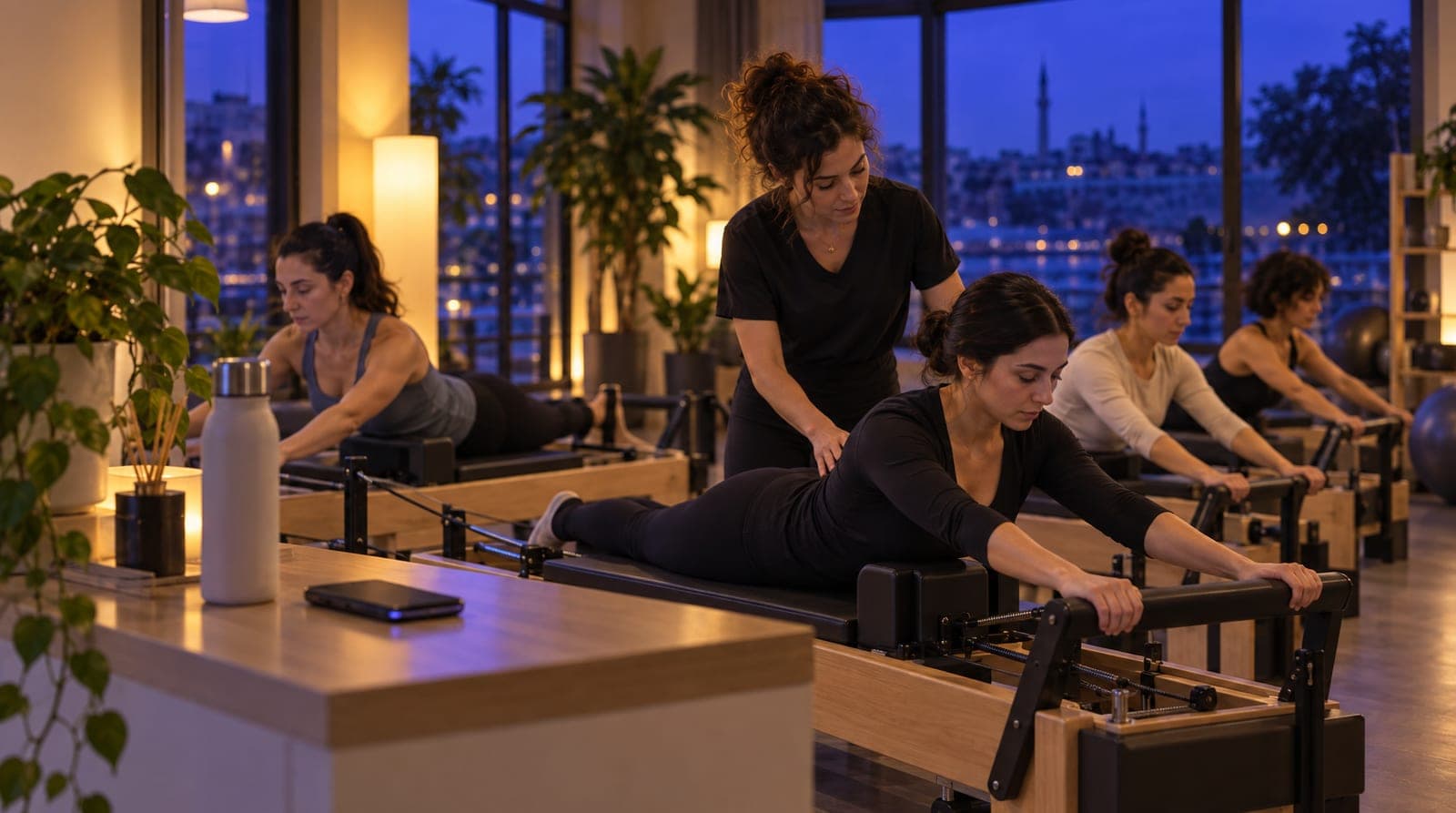
Friday evening, a pilates studio’s Instagram inbox: the post about the newly opened reformer class caught on, and dozens of comments landed under it: "price?", "which days?", "is there a trial class?". At the same time, five people are writing on WhatsApp, one asks "can I come to a trial class tomorrow morning," and one writes in English from abroad. The front desk can’t get back to all of them in the two minutes between classes, and every membership question answered late goes to another gym. This article explains how to set up gym Instagram DM automation on inTusell, along with WhatsApp and comment replies: in field-tested steps that need no technical knowledge.
This article is the channel leg of the gym section of our sector-based "how to train your AI" series. You’ll find the AI-training side in the series’ core article gym AI training, daily operations in how you use inTusell, and the membership and trial-class engine in membership questions and trial/class booking automation.
Quick answer
Gyms, fitness centers, and pilates studios connect Instagram DM, comments, and WhatsApp to inTusell in one inbox. WhatsApp links with a QR code or a phone-number linking code, with no Meta Business approval; Instagram connects through Meta login. The AI answers 24/7 in the prospect’s language, points to a trial class, and hands what it doesn’t know to the team.
The gym’s channel reality
Membership and trial-class demand doesn’t come from a single channel. The post about a new class slot catches on and comments explode; someone else who saw the same post writes on WhatsApp; a third reaches you from the chat bubble on your website; a fourth finds you on Google and DMs from Instagram. On quiet weeks this scatter is manageable. It isn’t during a campaign, a new-season opening, or a new-branch period.
inTusell gathers all of these channels in a single inbox and connects an AI sales assistant to each one. The emphasis here matters: this is not a chatbot but an assistant trained to behave like an experienced membership advisor. Before it talks price it asks about the need (group class or one-on-one, which day and time range suits), then explains the suitable package and confirms availability for a trial class. On a subject it doesn’t know, it doesn’t make up a price or information; it says it doesn’t know and connects to the team.
Who is it for?
This article is for sports businesses that can’t fit the speed and volume of incoming queries into a single channel. Typical profiles:
- Gyms and fitness centers that receive dozens of membership and trial-class questions a day from Instagram and WhatsApp but can’t get back to all of them in time.
- Pilates and yoga studios whose reformer/mat class times and capacity are constantly asked about.
- Chains that experience a query spike during a campaign, a new season, or a new-branch opening.
- Gyms that work with foreign prospects and lose them because they can’t answer multilingually.
- From a one-person front desk to a multi-branch chain; the more channels, the greater the benefit.
Connecting WhatsApp: QR (no Meta approval) vs Cloud API
WhatsApp is the busiest channel for a gym, and there are two paths here. For most gyms the QR method is enough.
| Method | Setup | Meta Business approval | Suitable for |
|---|---|---|---|
| Link with QR or a linking code | Scan a QR code with your phone, or type the 8-character code sent for your phone number | Not required | Most gyms that want to use their existing number |
| Official line (Cloud API) | Opens after Meta approval | Required | High volume, chains wanting an official API guarantee |
The QR method works like connecting WhatsApp Web: you scan the square that appears in the panel from the WhatsApp on your phone, and the number stays the same. There’s no change on the member or prospect side; they keep writing to the same number. You don’t need to change your number or get a new line.
If you opened the panel on your phone, you need no second screen: in the same window you tap "Link with phone number", enter your WhatsApp number and press "Get code"; then on the phone you go to WhatsApp › Settings › Linked Devices › Link a Device, tap the phone-number option under the camera and type the 8-character code. If the phone stays offline for a long time the link can drop; the panel warns you and you link again. The AI works only in one-to-one chats, never in WhatsApp groups.
For high-volume gyms and chains that want a corporate guarantee, the official line (Cloud API) opens after Meta approval. Until then, you link with QR or a linking code.
Instagram DM automation
Instagram connects through Meta login: on the Messaging Channels page you tap the Instagram tile and pick your Facebook Page and Instagram account, with no keys or tokens to copy. The account must be a professional account linked to a Facebook Page.
DM replies are on as soon as Instagram is connected, with nothing else to switch on: the AI answers incoming direct messages. If you don’t want the AI to answer DMs, turn off "Instagram DM" in the list under Channel AI settings; messages still drop into your single inbox and the live team answers. This lets you make gradual transitions like "let me test DMs first and open comments later."
The power of DMs in a gym is that they can complete the trial-class flow. When a prospect writes "I want to come to a trial class," the AI doesn’t just give information; it asks which day and time suit; if you defined trial classes in the panel as group sessions with capacity, it offers the sessions that still have seats and enrolls the prospect in the one they pick. We’ve collected the details of this engine (durations, capacity, conflict prevention, reminders) in membership and trial/class booking automation.
Instagram comments: a separate switch and an invitation to DM
In gyms, post comments are a hidden membership channel. Comments like "price?", "which days?", "is there a trial?", "I have a knee problem, would it work?" rain down under a new class time or campaign, and most go unanswered.
In inTusell, comment replies are switched on and off with the "Instagram comments" switch on the Instagram card; DM replies are already on once Instagram is connected. We manage comments separately for an operational reason: you want to run a price discussion in private, not under a public comment. The switch is on by default. The AI writes one public reply under the comment; replying by private message (Reply with DM) will open after Meta approval. The AI does not reply to spam comments with links; you hide or delete them from the panel. If you connected Instagram before September 24, 2026, the panel shows a "Reconnect Instagram to manage comments" warning; until you reconnect once, no comment gets an AI reply.
The typical flow is set up like this:
- A prospect writes "price?" under a post.
- The AI leaves a public, short reply to the comment ("It varies by package and day, send us a DM for the details").
- When the prospect sends a DM, the conversation continues there and the AI replies; the need is asked, the suitable package is explained, and a trial class is suggested.
So a price discussion doesn’t happen in the public space, and the sales conversation continues in private. On comments containing a health condition ("I have a knee issue, can I do it"), the AI makes no medical assessment; it gently invites the person to send a DM; once the health topic comes up in the DM, the conversation is handed to the trainer team.
Single inbox (web chat, Telegram)
Instagram and WhatsApp are the busiest, but not the only channel. inTusell gathers all of these channels in the same inbox:
| Channel | Connection method | Typical gym usage |
|---|---|---|
| Instagram DM | Meta login | Membership and trial requests after reels/stories |
| Instagram comments | Meta login + separate switch (on by default) | "Price?" comments under class/campaign posts |
| QR or linking code; official line after Meta approval | The busiest membership and trial-class channel | |
| Telegram | Bot connection | Members and prospects who write to your bot one-to-one |
| Web chat | One line of code on the site | Site visitor membership questions |
Facebook Messenger is on the way.
What this means for the front desk: the team doesn’t jump between different apps. All conversations appear on one screen, with the same prospect history. A prospect who starts on Instagram and continues on WhatsApp gives you a single context, not two separate conversations. The history of someone who came to a trial class but didn’t become a member is there too, so the next contact doesn’t start from scratch.
24/7 and multilingual answers
A significant share of membership questions arrives after hours. The person who sees a post after their evening workout writes at night, and "can I come to a trial class tomorrow morning" gets asked at 11 PM. The front desk sleeps; the AI doesn’t. The nighttime query isn’t held until morning: the AI can even enroll the person in a trial class that still has seats.
Multilingual answering is decisive for gyms that work with foreign prospects, especially in touristic areas and big cities. Whatever language the prospect writes in, the AI answers in that language: English to someone writing in English, German to someone writing in German, Arabic to someone writing in Arabic. You don’t need a separate channel, a separate account, or a translator for this; a single setup covers every language.
No-show reduction: trial-class reminders
The most concrete return of channel automation in the gym is reducing trial-class no-shows. A wasted trial slot is the most frequent complaint in gyms: the prospect says "I’m coming," doesn’t come, and that slot doesn’t get sold either. The AI doesn’t just take the appointment; it sends an automatic trial-class reminder one day and two hours before, so fewer prospects fail to show up. If the prospect lets you know in advance that they can’t come, the seat doesn’t go to waste; it opens up to another prospect. Reminders run on paid plans.
Proactive follow-up also comes into play for prospects who didn’t become members: when a prospect asks for information and goes quiet, the AI sends up to 3 follow-up messages it writes itself. They go out only within business hours on WhatsApp, Instagram or Telegram, and stop when the prospect replies, books, or says "don’t write to me". This is not unsolicited mass messaging; it’s a personal reminder to someone who already talked to you. For the full detail of the engine, see membership and trial/class booking automation.
Channel setup strategy
It’s best to turn the automation on before a busy period starts: a new season, a campaign, a new branch. Here is the order we use in the field:
- First prepare the knowledge base and the appointment system. Define packages, the class schedule, capacity, freeze/cancellation terms, working hours, and appointment types in the panel. We explained the details in gym AI training.
- Start with DM and WhatsApp. WhatsApp links with a QR code or a linking code, Instagram through Meta login; DM replies are already on once Instagram is connected. Most gyms handle membership and trial traffic from here.
- Check the comment switch. The "Instagram comments" switch on the Instagram card is on by default, and you switch it on or off on the Instagram card of the Messaging Channels page. If you connected Instagram before September 24, 2026, reconnect it once; then watch the AI’s tone on low-risk, neutral comment replies.
- Choose the operating mode. Most gyms start with the default Intern mode: the AI sends replies itself and asks you before a cancellation or refund. If you want to see every reply in the first days, switch to Full approval; on WhatsApp, Instagram and Telegram every reply then waits for your approval in Decisions › Approval Queue. A health condition, a special program or anything the AI is unsure about goes to the team in every mode.
- Review and turn fixes into rules. In the first weeks, take a short look at replies in Conversations and in AI Test; when you see a wrong or missing answer, add the fact to the knowledge base or write a rule in AI Rules. The Label Manager is a quality record; it does not change how the AI writes replies on its own.
With this flow the system settles before the rush hits; your front desk focuses only on conversations that truly need a human instead of trying to keep up with the phone between classes.
What it isn’t
To avoid putting it in the wrong category, let’s clarify:
- It is not a mass-messaging / spam tool. inTusell is an assistant that answers incoming queries; it doesn’t send unsolicited mass DMs. Proactive follow-up goes only to people who already talked to you, within business hours and with at most 3 messages.
- It is not a simple chatbot that works on keywords. inTusell is an AI sales assistant and CRM that answers messages on WhatsApp, Instagram and web chat, books appointments and opens orders, and follows each customer through the sales pipeline. It’s not a "say this when they write that" scenario tree; it works like a membership advisor who asks about the need.
- It is not a system that changes your number. Your WhatsApp number stays the same; the member or prospect notices no difference.
- It is not a system that makes up price or information. The AI explains only the packages and terms in your knowledge base; it doesn’t invent a price for a combination it doesn’t know, it says it doesn’t know and connects the conversation to the team.
- It is not a system that gives health/sports-medicine advice. It makes no assessment on matters like injury, a chronic condition, or a special program; it gently routes to the trainer team.
- It is not a tool that replaces the gym. The gym always provides the service; inTusell is the answering and appointment layer.
Frequently asked questions
Do I need to change my WhatsApp number?
No. You link your existing gym WhatsApp number with a QR code or with an 8-character linking code sent for your phone number; the number stays the same, your phone keeps working, and the member or prospect notices no difference.
Is Meta Business approval mandatory?
Linking WhatsApp with a QR code or a linking code needs no Meta Business approval. The official line (Cloud API) opens after Meta approval. Instagram connects through Meta login: you pick your Facebook Page and Instagram account, with no keys or tokens to copy.
Does the AI also reply to comments on a class-time post?
Yes. Comment replies have their own switch: the "Instagram comments" switch on the Instagram card of the Messaging Channels page is on by default. If you connected Instagram before September 24, 2026, you need to reconnect it once; until then no comment gets an AI reply. The AI writes one short public reply to the comment; to keep the price out of public view, inviting the prospect to send a DM is the typical flow.
What happens to a prospect who writes in a foreign language?
Whatever language the prospect writes in, the AI answers in that language. You don’t need to set up a separate channel for a membership or trial-class question arriving in English, German, or Arabic; it’s handled with a single setup.
How many channels can I connect at once?
You can connect them all at once, including Instagram DM, Instagram comments, WhatsApp, Telegram, and web chat; they all gather in a single inbox.
When does the AI hand over to a human?
The AI hands a conversation it is unsure about, or one that needs a person, such as a health condition or a special program question, to your team; the handoff lands on the Decisions page with the full chat history. Account-wide you choose Intern (default), Senior or Full approval; you can also switch a single conversation to Approval, Shadow or Paused.
Next step
Connecting the channels is half the job; the real difference is in training the AI correctly. To set up packages, the class schedule, the sales playbook, and the tone, start with the series’ core article gym AI training, then see daily operations in how you use inTusell. To go deeper on the membership and trial-class engine, see membership and trial/class booking automation, and for the full set of gym capabilities see the gym solution page. We built the same channel structure in other sectors too; tour agency AI training for tourism and clinic AI training for health serve as examples. For packages and quota see the pricing page, and follow the whole series via all posts.
If you’d like to see how it works at your own gym, use Get a demo or write to hi@intusell.com; we’ll connect your channels together and watch the assistant live on the first membership questions.
You read the blog. Now see it live.
Test inTusell live with your own sector scenario in a 20-minute demo.