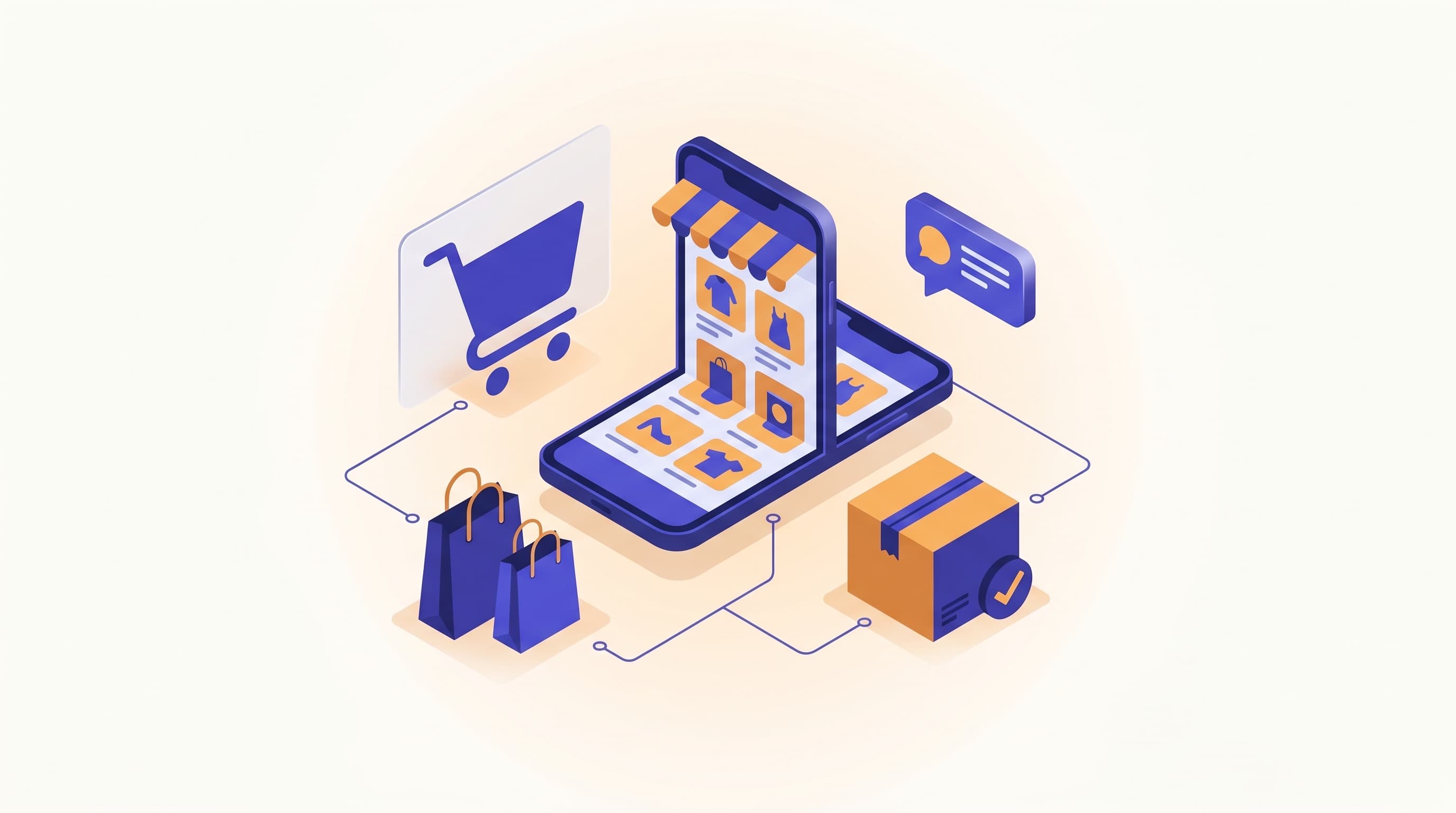
Instagram DM and WhatsApp automation for e-commerce
Responding without missing the "is it in stock, when does it ship" questions coming from Instagram DMs, comments, and WhatsApp in online retail: the field setup of e-commerce channel automation with intusell.
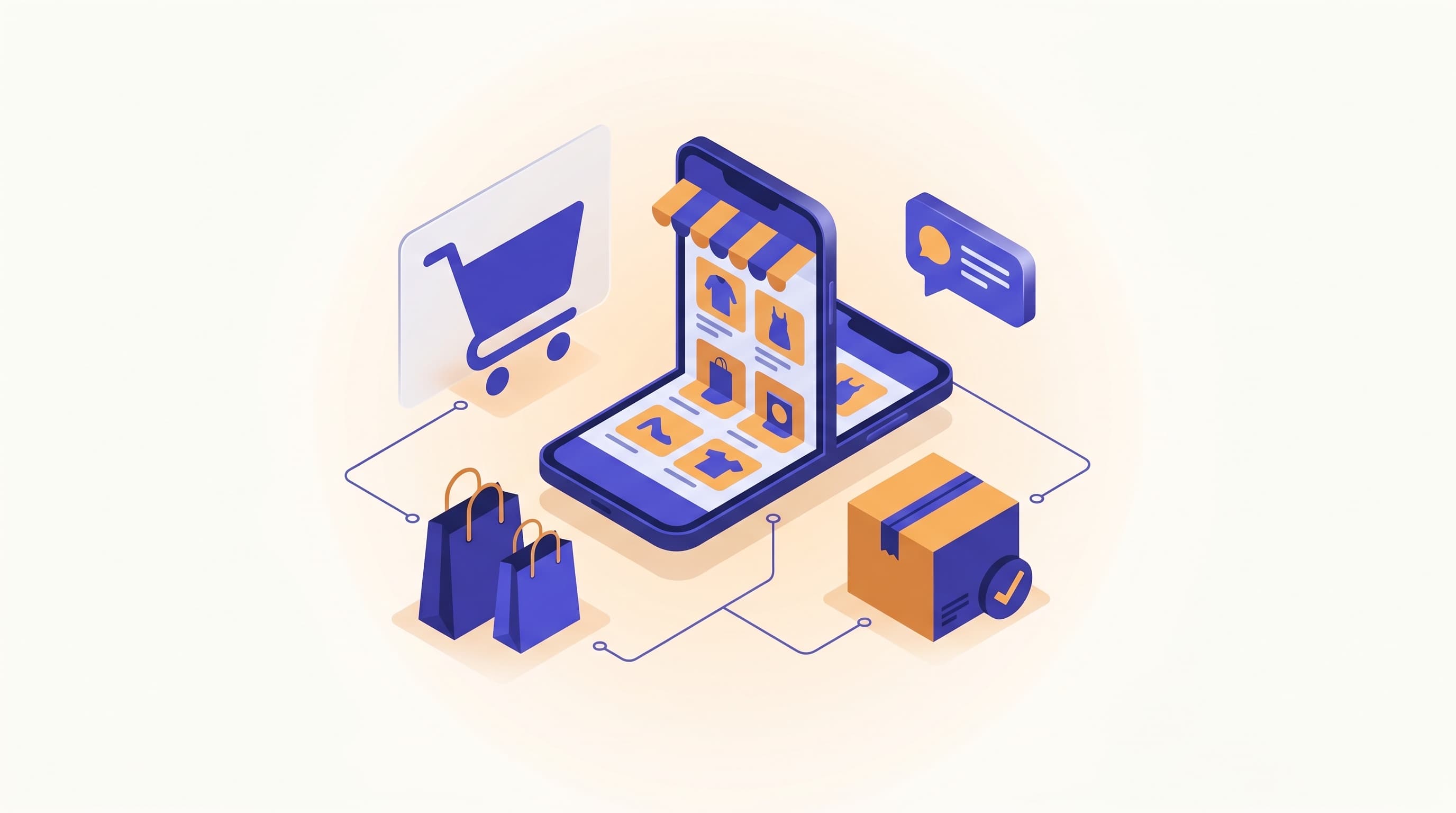
The Instagram inbox of an online store: a new collection post has taken off, hundreds of comments have dropped under it — "price?", "is it in stock?", "when does shipping arrive?". At the same time five people are writing on WhatsApp, one of them from abroad in English. A one-person team can't get back to all of them within two minutes; an "is it in stock" question answered late is a lost cart. This article explains how you set up e-commerce Instagram DM automation together with WhatsApp and comment responses on intusell; with concrete steps that require no technical knowledge.
This article is the channel leg of the e-commerce section of our sector-by-sector "how to train your AI" series. You'll find the AI-training side in the series' main article, e-commerce AI training, and the day-to-day operations in the how to use intusell article.
Quick answer
Online stores connect Instagram DMs, Instagram comments, and WhatsApp to intusell and collect them in a single inbox. WhatsApp connects in a minute via QR and requires no Meta Business approval; Instagram DM comes in with one-click OAuth. The AI responds 24/7, in the language the customer writes in; it states the stock, shipping, and product information from the knowledge base, does not make up what it doesn't know, and hands the conversation to the live team when needed. This way the purchase intent coming from posts doesn't go unanswered.
The channel reality of e-commerce
Questions don't come from a single channel. A new post takes off and comments explode; someone else who sees the same post writes on WhatsApp; a third reaches you from the chat bubble on your website. Outside a campaign, this scattering is manageable. During a sale week, it isn't.
intusell collects all of these channels in a single inbox and connects each one to a fully autonomous AI sales assistant. The emphasis here matters: this is not a chatbot, but an assistant trained to behave like an experienced store advisor. It understands the customer's intent, suggests the right product, and routes to the order and cart — but it does not make up a stock or shipping detail it doesn't know, and leaves it to the team.
Who is it for?
This article is for online sellers who can't fit the speed and volume of incoming questions into a single channel. Typical profiles:
- Boutiques and branded stores receiving dozens of product and order questions a day from Instagram and WhatsApp.
- Fashion, cosmetics, and accessory brands experiencing a flood of comments from new-collection and campaign posts.
- Stores that lose carts because they can't respond in multiple languages while selling abroad.
- From a one-person store to a multi-channel brand; the more channels there are, the greater the benefit.
Connecting WhatsApp: QR (no Meta approval) vs Cloud API
WhatsApp is the busiest channel for e-commerce, and here there are two paths. For most stores, the QR method is enough.
| Method | Setup | Meta Business approval | Who it suits |
|---|---|---|---|
| Connect via QR | ~1 minute by scanning a QR from your phone | Not required | Most stores that want to use their existing number |
| Official Cloud API | App setup on the Meta side | Required | High-volume brands that want the official API guarantee |
The QR method works like connecting WhatsApp Web: you scan the square that appears in the panel with the WhatsApp on your phone, and the number stays the same. Nothing changes on the customer's side; they keep writing to the same number. You don't need to change your number or get a new line.
The official Cloud API, on the other hand, we support optionally for high-volume brands that want an enterprise guarantee. The choice between the two is a matter of a click; you can also switch later.
Instagram DM automation
Connecting Instagram is one-click OAuth: you click "Connect Instagram" in the panel, approve from Meta's permission screen, and the channel is active. There is no manual token copying.
After connecting, DM automation is controlled by a separate gate (instagram_dm_enabled). When this toggle is on, the AI replies to incoming direct messages. If you keep it off, messages still land in your single inbox but the AI doesn't respond automatically; the live team replies. This separation allows gradual transitions like "let me watch DMs for a week first and then fully turn it on." In e-commerce, DMs are where "is this still available?" comes most often; since it's approved, it works from your first day.
Instagram comments: a gate separate from DMs and moving from comment to DM
In online retail, post comments are a hidden sales channel. Comments like "price?", "is it in stock?", "is this color available?" pour in under a new-collection post, and most go unanswered. Every unanswered comment is a customer ready to buy.
In intusell, comment responses are managed by a separate toggle (instagram_comments_enabled). This is independent of the DM gate. So you can turn on comment responses independently of DM automation; or the other way around. There is an important caveat: Instagram comment automation is not live; it is rolled out gradually depending on Meta platform approval. Your first step is WhatsApp and Instagram DM — these are approved and immediately usable. The comment gate comes into play once it's ready.
Once comments are ready, the typical flow is set up like this:
- The customer writes "price?" under the post.
- The AI leaves a public, short reply on the comment ("We've sent you the details via DM").
- The conversation is moved to DMs; there size, color, stock, and shipping are asked, and it routes to the order.
This way no long price negotiation happens in a public space; the sales conversation moves to private and continues in a single trackable context.
A single inbox (web chat, Messenger, Telegram, email)
Instagram and WhatsApp are the busiest, but not the only channel. intusell collects all of the following channels in the same inbox:
| Channel | Connection method | Typical e-commerce usage |
|---|---|---|
| QR (1 min) or Cloud API | The busiest order and "where's my package" channel | |
| Instagram DM | One-click OAuth | Product questions after posts/stories |
| Instagram comments | One-click OAuth + separate toggle (gradual, subject to Meta approval) | "Is it in stock?" comments under collections |
| Facebook Messenger | One-click OAuth | Facebook campaign and catalog traffic |
| Telegram | Bot connection | Campaign channel and community followers |
| Web chat | Widget on the site | Product page and cart questions |
| Account connection | Order, return, and corporate requests |
What this means for the team: you don't navigate among seven different apps. All conversations appear on a single screen, with the same customer history. For a customer who starts on Instagram and continues on WhatsApp, there is a single context rather than two separate conversations.
24/7 and multilingual responses
A significant portion of online shopping happens outside working hours: someone who sees a post in the evening writes at night, a customer abroad messages with a time difference. While the team sleeps, the AI doesn't; an "is this still available?" question that comes in at night isn't kept waiting until morning — order routing happens immediately. A question left unanswered after hours is a product bought from another store before morning.
Multilingual responses are decisive for stores that sell abroad. The AI replies in whatever language the customer writes in: it responds in English to someone writing in English, in Arabic to someone writing in Arabic. For this, you don't need a separate channel, a separate account, or a translator; all languages are covered with a single setup.
Re-engaging the silent cart
The quiet return of channel automation in e-commerce is winning back the customer who shows interest and then goes quiet. Every store has the customer who says "let me think about it" and disappears, who looks at the cart and stops writing. The intusell CRM side follows these customers and, when appropriate, brings a timely re-offer to suitable WhatsApp customers in follow-up. Clarity matters here: this is not a managed "waiting list"; it is a polite reminder at the right time to a customer who has shown interest and is in follow-up. You can find the end-to-end automation of order and product questions in the automating order and product questions article.
Channel setup strategy
Turning automation on before entering a campaign period is the right move. Our field practice is as follows:
- First prepare the knowledge base. Product descriptions, size/color options, shipping and return terms, and working hours should be defined in the panel. You can upload PDF, Excel, CSV, a web URL, or free text to the knowledge base. We covered the details in the e-commerce AI training article.
- Start with WhatsApp and Instagram DM.
instagram_dm_enabledand WhatsApp are approved and immediately usable; most stores handle their order traffic from here. - Wait for comment automation gradually.
instagram_comments_enabledis a separate gate and is rolled out gradually depending on Meta approval; when it's ready, watch the AI's tone on low-risk comments. - Set the operating mode. During a busy period, hybrid mode: the AI handles the volume, the team only looks at sensitive conversations like return disputes.
- Scan the label queue once a day. As you approve and correct the AI's responses, the assistant learns the patterns specific to your store.
With this flow the system settles in before the rush arrives; instead of firefighting, your team focuses only on conversations that genuinely need a human.
What it isn't
To avoid putting it in the wrong category, let's clarify:
- It is not a bulk-messaging / spam tool. intusell is an assistant that responds to incoming questions; it does not send unsolicited bulk DMs.
- It is not a simple chatbot that works by keywords. It is not a "when you type this, say that" scenario tree, but a sales assistant that understands intent.
- It is not a system that changes your number. Your WhatsApp number stays the same; the customer notices no difference.
- It is not a system that makes up stock, price, and shipping information. It says it does not know and hands off to the team; it does not invent what is not in the knowledge base. This is the most critical point of customer trust.
- It is not a tool that replaces the store. The one offering and shipping the product is always you; intusell is the response and sales layer.
Frequently asked questions
Do I have to change my WhatsApp number?
No. You connect your existing store WhatsApp number by scanning a QR code from your phone; the number stays the same, and the customer notices no difference. For high volume you can optionally use the official Cloud API.
Is Meta Business approval required?
With the QR method, WhatsApp does not require Meta Business approval and connects in a minute. Instagram DM and Facebook Messenger come in with one-click OAuth and are approved. Instagram comment automation, however, is rolled out gradually depending on Meta platform approval.
Does the AI also reply to comments on posts?
The comment gate is managed by a separate toggle from the DM gate and is rolled out gradually depending on Meta approval. Your first step is WhatsApp and Instagram DM, which are approved; when comment replies are ready, the typical flow is to leave a short reply on the comment and move the conversation to DMs.
What happens with a customer writing from abroad or in another language?
The AI replies in whatever language the customer writes in. If you sell abroad, a customer writing in English, Arabic, or German is answered without setting up a separate channel.
Does the AI make up stock and shipping status?
No. The AI does not make up a price, stock count, or shipping date it does not know; it says it does not know and hands the conversation to the team. It answers what is defined in your knowledge base and does not invent what is not.
When does the AI hand off to a human?
You choose the operating mode: all AI, all live team, or hybrid. In hybrid mode the AI runs the normal flow and escalates the conversation to the live team when a return dispute, a special request, or a situation outside the knowledge base comes up.
Next step
Connecting the channels is half the job; the real difference is in training the AI correctly. To set up product information, shipping and return terms, the tone, and the boundaries, start with the series' main article, e-commerce AI training, then see the day-to-day operations in the how to use intusell article. To go deeper on automating order and product questions, you can look at the automating order and product questions article, review the e-commerce solution page, and follow the series via pricing and all posts.
If you'd like to see how it works at your own store, Request a demo or write to hello@intusell.com; let's connect your channels together and watch the assistant live on the first questions.
You read the blog — now see it live.
Test intusell live with your own sector scenario in a 20-minute demo.
Related posts
View all
How does an e-commerce brand train the intusell AI? A step-by-step guide
Automating order, shipping, return and product questions with the knowledge base in e-commerce