How does a tour agency train the intusell AI? A step-by-step guide
Tour agency AI training in 5 core steps: knowledge base, tour catalog, persona, response rules, and past sales calls. A setup that requires no technical knowledge.
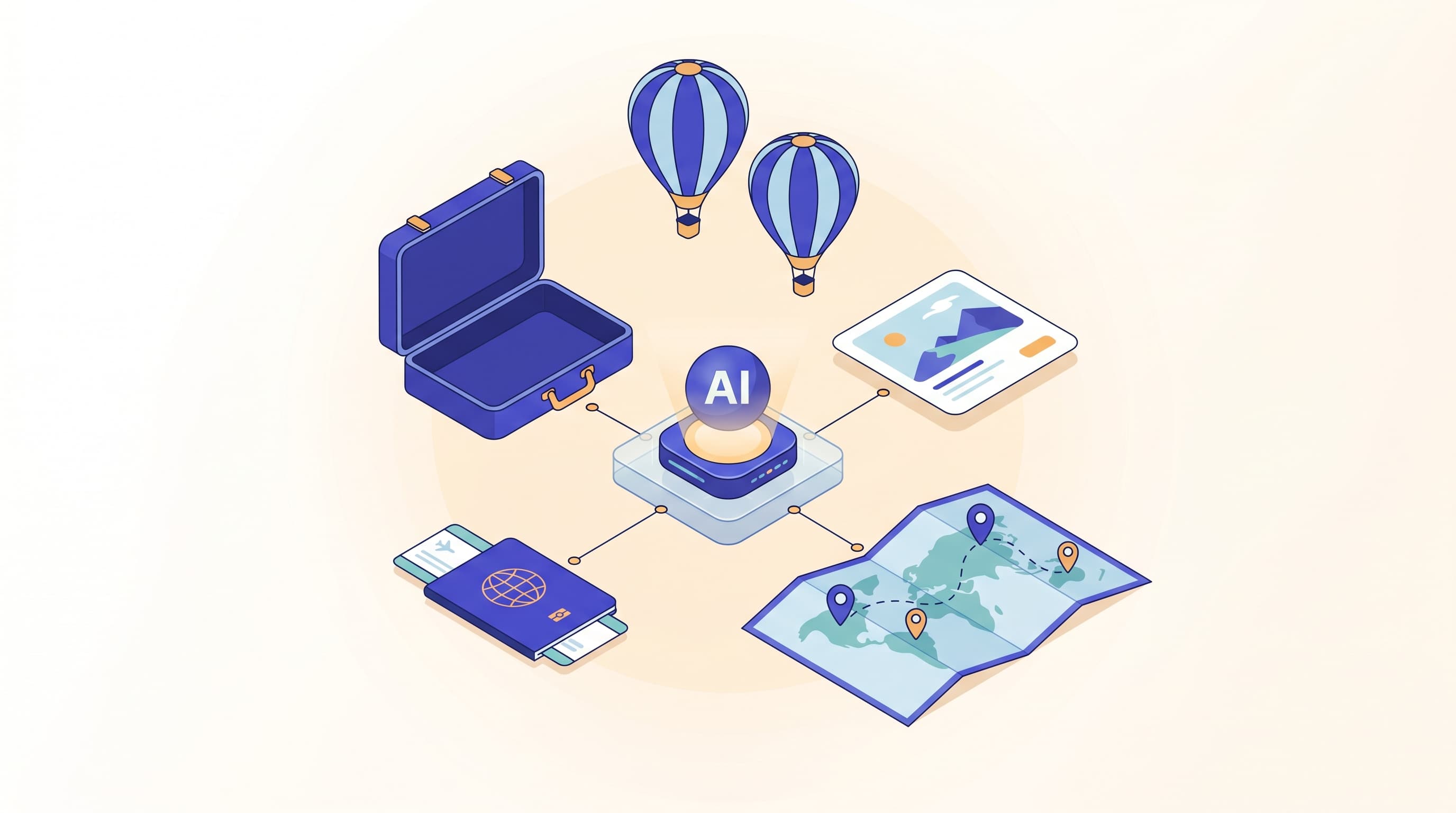
When the season opens, a tour agency's inbox fills up with the same questions: "Is the visa included in the Umrah price?", "Is there a child discount on the Cappadocia tour?", "Do I get my money back if I cancel?". In an operation where the same twenty questions are repeated a hundred times a day, the team spends its time churning out copy-paste answers rather than actually closing sales. And when a foreign tourist writes in English or Arabic, the response is delayed even further.
intusell takes over this load. But to do so, it first needs to learn about your agency, your tours, and your sales style. This article explains how a tour agency trains the intusell AI from scratch, step by step. This is the tourism chapter of our sector-based "how to train your AI" series, and it is the cornerstone article of the series.
Quick answer
A tour agency trains intusell from the panel in 5 core steps: (1) upload tour terms, visa, and cancellation/refund policies to the knowledge base; (2) connect the tour catalog and price matrix; (3) set the assistant's name and tone; (4) write response rules such as "ask about needs before quoting a price"; (5) teach it from past sales calls. After these 5 steps, you refine it via label review and open the channels. Training requires no technical knowledge.
Why does training matter?
intusell is not a canned chatbot; it is a fully autonomous AI sales assistant that behaves like a senior salesperson. A senior salesperson does not start on day one without getting to know your agency, either. Training enables the AI to do two things correctly: give the right information (your tour's terms, real prices) and give it the right way (your sales style, your tone).
An untrained assistant either gives overly generic answers or guesses about something it does not know. In tour sales, guessing is expensive: wrong visa information or a made-up price both loses the customer and undermines trust. A well-trained assistant, on the other hand, stops when it does not know and connects to the live team.
Who is it for?
This guide is for tour agencies whose inboxes are getting busy and who answer the same questions over and over again:
- Agencies selling Umrah, Hajj, cultural, holiday, domestic, and international tours
- Operations teams receiving dozens of questions a day via Instagram and WhatsApp
- Agencies that need to communicate in multiple languages with foreign tourists
- Those who want to relieve their existing team rather than increase headcount during the season
You do not need a technical team. All of the steps below are completed from sections in the panel, without writing any code.
The structure of training: 5 core steps + 2 continuous steps
Dividing the training into two groups makes things easier. The first 5 core steps get the assistant operational; these steps are the part of the setup that is done once. The following 2 continuous steps (label review and opening the channels) are the ongoing part, where you sharpen the assistant as you use it. You will find all of them in order below.
1. Upload the knowledge base
The foundation of training is the knowledge base (RAG). In the panel's Knowledge Base section, you upload all of your agency's textual information. Every time the AI generates a response, it automatically searches these sources and uses only the information written there.
Supported source types:
| Source type | Typical content | Example |
|---|---|---|
| Tour programs, contract terms | "Umrah 14-day program.pdf" | |
| Excel / CSV | Tour list, departure dates, terms tables | "2026 summer tours.xlsx" |
| Web URL | FAQ and policy pages on your site | "/cancellation-refund-policy" |
| Free text | Frequently asked individual questions | "Which countries are visa-free?" |
Every file you upload is automatically chunked and made searchable via pgvector. When you upload an Umrah program PDF, and a customer asks "How many nights do we stay in Medina?", the AI finds the right paragraph and responds.
What must be uploaded in tourism: tour terms, visa requirements, cancellation/refund policy, deposit rules, baggage allowances, and the most frequently asked questions. Once you upload these six headings, a large part of your inbox already becomes answered automatically.
2. Connect the tour catalog
The knowledge base explains "what you sell and the terms"; the tour catalog provides "current prices." intusell's tour/booking module pulls your catalog via the KolayTurum SOAP integration: tours, hotels, and the price matrix.
The price matrix is three-dimensional: departure point × hotel class × room type. Child price (according to the age threshold you define), infant price, single supplement, and deposit rules are also included in the matrix. The currency is USD by default.
The critical point here is this: the AI never invents a price. It only quotes from the price matrix. For a combination that is not in the matrix (for example, an undefined departure-hotel pairing), it does not estimate a price; instead, it offers to connect the customer to the live team. This is the behavior that builds the most trust in tour sales.
If KolayTurum is connected, the catalog syncs automatically every night (around 02:00), so prices stay fresh without the need for manual updates. We have a separate article on connecting the catalog, the price matrix, and XML details: tour catalog and KolayTurum/XML integration.
If you do not use KolayTurum, that is not a problem: you can also enable the AI to give correct prices by uploading your prices to the knowledge base as Excel or CSV. The integration is a convenience, not a requirement. You can see all the capabilities of the tour module on the Solutions page.
3. Set the persona and tone
You taught the AI what to say in the first two steps; now you will determine how it says it. There are two settings in the panel:
- Assistant name (
ai_persona_name): The name it will introduce itself to the customer with. Most agencies use a real consultant name from the team or a name aligned with the brand. - Tone (
ai_tone): Whether it speaks warmly and casually, formally and reserved, or quickly and concisely.
The tone of an agency selling Umrah and one selling adventure tours will not be the same. The former might be respectful and reassuring, the latter energetic and excited. This setting is reflected in the AI's messaging language on every channel.
A note on multiple languages: The AI responds in whatever language the customer writes in. When a foreign tourist writes in English, you do not do anything separate; the assistant automatically detects the language and replies in that language while preserving the tone.
4. Define the response rules
The persona defines "who it is," and the response rules define "how it behaves." This is where you transfer your sales discipline to the AI. With the AI Manager Chat, you add rules by writing in plain language, just as you would instruct a teammate.
Typical rules for tour agencies:
- "Before quoting a price, ask how many people are going, which dates, and which hotel class they want."
- "If the customer is undecided, remind them of the departure guarantee and the early-booking advantage."
- "When asked about cancellation/refund, read the policy clearly from the knowledge base without adding interpretation."
- "If asked about a combination not in the price matrix, do not make it up; connect to the live team."
Quoting a price without doing needs discovery is the most common mistake in tour sales. The "ask about needs before quoting" rule turns the AI from a machine that spits out a price with a single question into a consultant that guides the customer to the right package.
If you want to compare two different approaches, you can use the A/B testing feature: for example, you can place a softer tone next to a more aggressive closing tone at 50%-50% traffic and measure which one brings in more bookings.
5. Teach it from past sales calls
This is the step that takes the training from "good" to "specific to your agency." In the panel, you upload the voice recordings of your past sales calls (MP3, MP4, WAV, M4A) and mark each one as Won or Lost.
The system uses these recordings in two ways:
| Recording type | What the AI learns |
|---|---|
| Won calls | A sales technique playbook: handling objections, closing at the right moment |
| All calls | Product, price, and FAQ information (fed into RAG) |
In other words, the AI learns how your best salesperson turns the "the price is too expensive" objection around, how they convince the customer, and applies the same approach in similar situations. The KVKK side is protected: PII masking and explicit consent are applied to uploaded recordings.
This step is not mandatory, but do not skip it. The knowledge base teaches the AI "what" it knows; the sales recordings teach it "how you sell." When the two are combined, the assistant truly resembles a senior salesperson.
6. Refine via label review (continuous step)
The first five steps get the AI operational. From there on, it is the continuous part that perfects it over time. Every AI response drops into a label review queue. Here you can do three things: approve, reject, or correct.
The AI learns from these corrections. Say it said "0-12" where it should have said "2-11 years" for the child price; you correct it, and from then on it uses the right range in similar situations. The age threshold is not fixed; it is the value you define (tenant-based child_age_max); what matters is that the AI conforms to your definition. Over time, patterns specific to your brand (the phrases you use, campaign names, standard closing lines) accumulate.
For the first two weeks, we recommend looking at this queue for 10-15 minutes a day. During this time, the correction rate drops quickly, because the AI learns the frequently made mistakes. Review is the "live" part of training: the system gets smarter as it is used.
7. Open the channels (continuous step)
Once the training is ready, you put the assistant in front of customers. intusell brings all channels together in a single inbox: Instagram DM, Instagram comments, WhatsApp, Facebook Messenger, Telegram, Web Chat, and email.
Channel activation methods:
- Meta channels (Instagram, Messenger): connected with one-click OAuth.
- WhatsApp: connects in about 1 minute by scanning a QR code from your phone — no Meta Business approval required. The official Cloud API option is also available.
Thanks to channel gates, you control each channel separately. The Instagram DM gate (instagram_dm_enabled) and the Instagram comments gate (instagram_comments_enabled) are separate; for example, you can first automate only DMs and keep comments manual, then open the comments gate when you are ready. For human handoff, there are lock modes: ai_only (the AI answers everything), human_only (everything goes to the live team), hybrid (the AI normally answers and escalates to the team when needed). Most agencies start with hybrid. For details on Instagram and WhatsApp automation: Instagram DM and WhatsApp automation.
How long does training take?
A working setup takes half a day:
- Uploading the first files to the knowledge base: 1-2 hours (shorter if your existing PDFs are ready)
- Connecting the catalog: a few minutes with your KolayTurum credentials
- Persona, tone, and first response rules: 30 minutes
- Connecting the channels: 1-5 minutes per channel
But there is no moment where "training is done." Over the first two weeks, as you approve and correct responses in the label review queue, the assistant sharpens to fit your agency. Uploading past sales recordings and running A/B tests are also ongoing improvements. Setup is fast; mastery is continuous.
What it isn't
Putting intusell in the right category matters, because the wrong expectation leads to the wrong setup.
- It is not a static FAQ page. It is not a tool that shows 20 pre-written answers in sequence; it is an assistant that understands every question asked and generates a dynamic response from the knowledge base.
- It is not a chatbot tied to a rule tree. There are no "press 1, press 2" menus. The customer writes freely, and the AI understands the intent.
- It is not a tool that estimates prices. In the tour module, it only quotes from the matrix; it does not make prices up.
- It is not an intermediary that becomes the seller in your place. In tour sales, the agency is always the seller; intusell does not become a party to the payment. Payment is collected via bank transfer/IBAN (no integration required) or via the optional iyzico POS.
In short: not a bot that gives canned answers, but a sales assistant that represents your agency to the extent that you train it.
Frequently asked questions
How long does tour agency AI training take?
A working setup is done within half a day: uploading the knowledge base, setting the persona and tone, and a few response rules. The real refinement accumulates over the first weeks as you approve and correct responses in the label review queue. Training is not a one-time event; it is continuous.
Do I need technical knowledge to train the AI?
No. All training is done from the panel; no code, API key, or developer is required. You upload PDFs/Excel files to the knowledge base, choose a persona, and write response rules in plain language. You connect channels with one-click OAuth or a QR code.
Will the AI give incorrect or made-up tour prices?
No. In the tour module, the AI only quotes from the price matrix in your tour catalog. It does not invent a price for a combination that is not in the matrix; instead, it offers to connect the customer to the live team. This is the fundamental rule of price reliability.
Is my data safe under KVKK?
Yes. intusell is end-to-end encrypted and KVKK/GDPR compliant. PII masking and explicit consent are applied to voice recordings, passenger passport details are stored encrypted, and contract acceptance is kept with SHA-256 hash proof.
How do I train the AI if I do not use KolayTurum?
You can upload your tour prices to the knowledge base as Excel/CSV or free text. The KolayTurum integration is a convenience for automatic sync, not a requirement. Whatever format you upload price and terms information in, the AI uses it in its responses.
Will the AI learn new prices when tour prices are updated?
Yes. If KolayTurum is connected, the catalog syncs automatically every night (around 02:00), keeping the price matrix current. If you uploaded manually, the AI uses the updated price in its next response once you add the new file to the knowledge base.
Next step
You have trained your assistant; next comes using it in daily operations. The next article in the series explains how to run the intusell you trained during a real season: inbox management, quote tracking, the booking flow, and team handoff. Continue straight from there: how a tour agency uses intusell.
If you would like to see it live before starting the setup, let's open your panel together in a 20-minute session via Request a demo, or write to hello@intusell.com. For package and quota details, you can check the pricing page, and for other guides, browse the all articles list.
You read the blog — now see it live.
Test intusell live with your own sector scenario in a 20-minute demo.
Related posts
View all
How does a tour agency use intusell? A daily operations guide
Instagram DM and WhatsApp automation for tour agencies: answering peak-season volume without missing a beat