Automotive inTusell usage: a daily guide for dealers
Automotive inTusell usage: a dealership’s daily flow, from a stock question on WhatsApp to a test drive, a service booking, a follow-up and a handoff.
In the first article, you trained the inTusell AI: you uploaded your vehicle stock list, your trim and price information, your service offerings, and your FAQs to the knowledge base, marked your sales conversations, and configured the persona and response rules. Training was a one-time setup. Now the real work begins: how does automotive inTusell usage work day to day? This article walks through, step by step, what the assistant you trained does at a dealership or service shop over a full workday, from a stock question on WhatsApp to a test drive, from a service appointment to follow-up and handing off to a human.
This article is the second part of the automotive section of our sector-by-sector "how to train your AI" series. The first part, how to train the inTusell AI, covered the setup; this one covers turning that setup into daily operations.
Quick answer
inTusell is an AI sales assistant and CRM that answers messages on WhatsApp, Instagram and web chat, books appointments and follows each customer through the sales pipeline. Dealerships and service shops use it to answer vehicle, price and service questions 24/7, collect test drive and service requests, and follow up quiet customers. If the AI booking tools are on, it books the free slot too; otherwise it passes the request to your team. It never invents price or stock.
A day in the flow
A typical day at a dealership or service shop that has set up inTusell looks very different from before. The advisor used to come in each morning and go through dozens of unread WhatsApp messages and unanswered DMs one by one; questions like "is this car still available," "how many km," and "when can I bring it in for service" trickled in all day. Now the messages that came in overnight are answered, test drive requests are collected, and what the advisor needs to look at is lined up in Decisions. Here’s the backbone of a day:
| Time | Customer side | What inTusell does |
|---|---|---|
| 23:10 | "Is the navy blue 2020 Passat still available?" | Answers stock and price from the knowledge base and points to the vehicle |
| 09:00 | The team logs in | Chats answered overnight are in the inbox, handoffs are in Decisions |
| 10:15 | A customer who asked about a price a week ago and went quiet | A follow-up written by the AI for that conversation goes out within business hours |
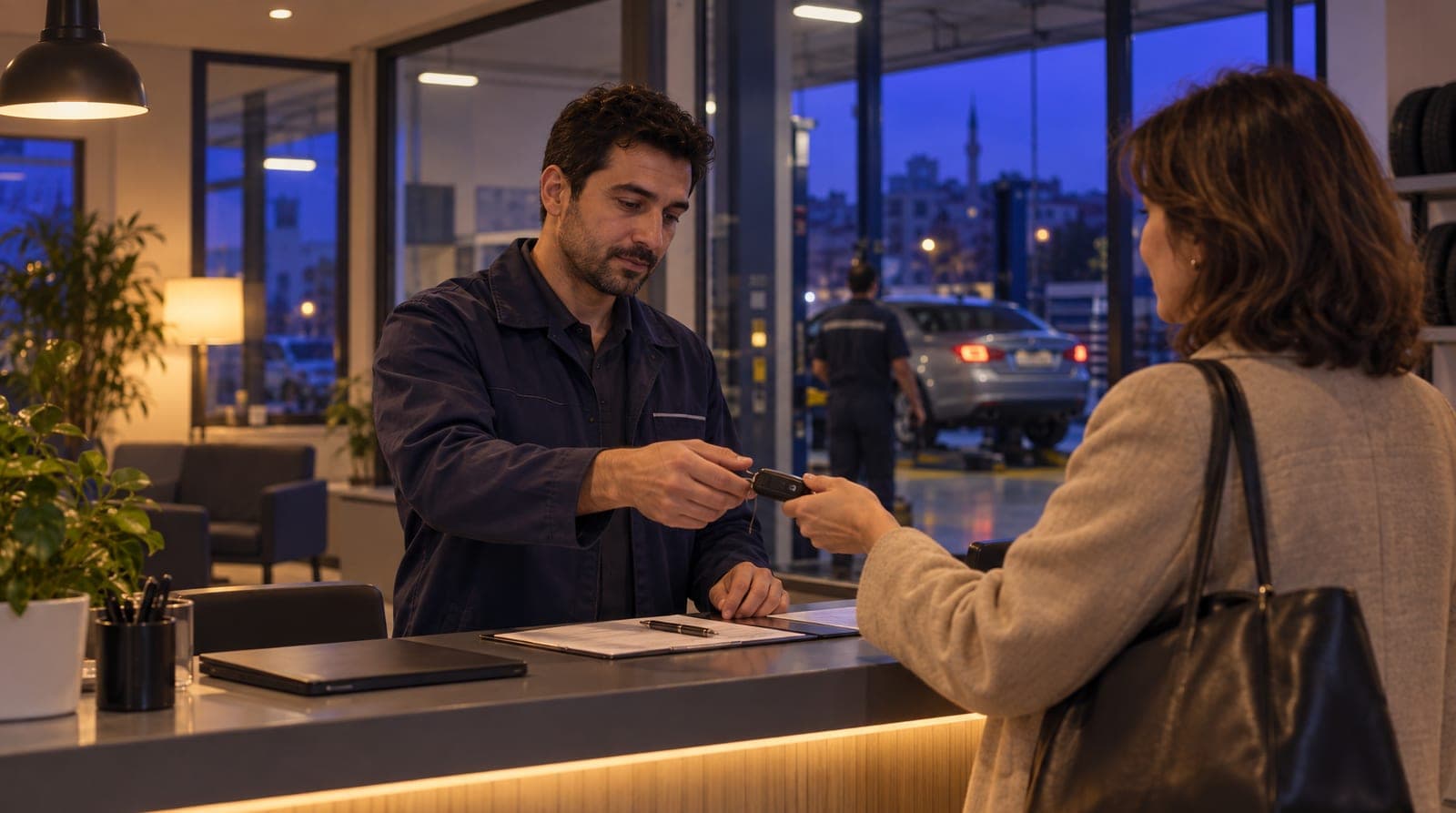
| 11:30 | "Can I test drive this car?" | Takes the request; books the test drive if the booking tools are on |
| 14:00 | "Is there room for my car’s 60,000 km service?" | Takes the request; books the free service slot if the booking tools are on |
| 16:45 | "What trade-in value would you give for this car?" | Hands a topic that needs inspection and negotiation to an advisor |
The team no longer spends its time scanning messages; it focuses on the conversations that genuinely need a decision (negotiation, inspection, closing the sale).
Who is it for?
This way of working is especially relevant for these automotive businesses:
- Dealerships getting a heavy volume of vehicle questions on WhatsApp and Instagram: those who can’t keep up with dozens of "is it still available, how many km, what’s your best price?" messages a day.
- Dealerships and service shops losing leads outside working hours: those who lose customers because questions that come in during evenings, weekends, and holidays get answered late.
- Workshops managing service appointments by phone: those drowning in phone traffic during periodic maintenance, repair, and tire-season rushes.
- Businesses running multiple channels with a small team: those forced to track WhatsApp, DMs, listing-site messages, and the phone separately.
If you have more demand than a single advisor can handle, inTusell works like an experienced salesperson meeting that demand: not like a chatbot.
Incoming request: the customer asks about a vehicle, the AI recommends a suitable one
The flow starts with the customer sending a message. Picture someone writing on WhatsApp, "I have a budget of 150k, I’m looking for an automatic sedan." The AI reads this message, scans the stock list and vehicle descriptions in your knowledge base, recommends vehicles that fit the customer’s budget and needs, and, if they’re interested, points them to the test drive step.
An important point: the AI replies in whatever language the customer writes in. For dealerships that sell vehicles abroad or cater to tourists, this is critical: a stock question that comes in English gets an English reply, with no extra setup.
If you added the rule "clarify the need before making a recommendation" in AI Rules, the AI first asks about budget, transmission type, fuel, and intended use. Thanks to this rule, the recommendation isn’t random; it’s based on the customer’s real needs. We cover separately how all these channels come together in a single inbox in the Instagram and WhatsApp automation article.
Stock, price, and service questions: answered from the knowledge base
In automotive, most incoming messages aren’t from a new buyer; they’re recurring operational questions: "Is this car still available?", "What’s the mileage?", "Does it have a damage record?", "When can I bring it in for service?" These questions come in the same patterns all day and eat up the advisor’s time. inTusell takes on this load by answering from the knowledge base.
The most critical rule here: the AI does not invent prices or stock. It answers only from the sources you’ve uploaded to your knowledge base:
| Question type | Where the AI answers from |
|---|---|
| Vehicle, model, trim, price, km | The stock list and vehicle descriptions in the knowledge base |
| Service offerings, price range | The service list uploaded to the knowledge base |
| Warranty, returns, trade-in terms | The policy documents in the knowledge base |
| "The current inspection status of this car" | Data outside the system or needing negotiation → handoff to an advisor |
If someone asks for information that isn’t in the knowledge base, for example the current status of a car you haven’t uploaded or an exact figure that’s open to negotiation, the AI says it doesn’t know instead of making something up and hands the conversation to an advisor. This keeps you from giving a customer wrong stock or price information and then having to correct it; it’s the foundation of trust. In a high-value decision like buying a car, the trust that comes from "not giving wrong information" comes before everything else.
You’ll find this engine (answering everything from service appointments to vehicle and quote inquiries from the knowledge base) in detail in the service appointment automation article.
How the knowledge base is fed and stays up to date
The AI answering correctly depends on how current your knowledge base is. My business › Knowledge › Knowledge Base is fed from these sources:
- Files: The stock list, service price list, and warranty and trade-in terms are uploaded as PDF, Word, Excel, CSV, TXT or image files (up to 50 MB); make, model, year, mileage, trim, and price come from here.
- Website scan: You give the address of your listings page, service page or FAQ page; the content is scanned and re-scanned every week.
- Instagram profile: You import your last 100 posts; the vehicle information in listing captions goes into the knowledge base.
- FAQ suggestions: Suggestions drawn from customers’ most frequent questions are added once you approve them.
For a short-lived note like "this month there’s a campaign on new cars", upload your campaign file or tell the AI in a plain sentence in AI Manager Chat. Vehicle stock and prices change often; a sold car drops off the list within hours. So when you update your stock, you refresh the knowledge base too. The AI always speaks according to the latest source you uploaded: if the source isn’t current, neither is the AI, which is why keeping stock current is the backbone of the operation.
One more working rule: the AI is told from the start to "speak only from the sources, never invent price or stock." This is a working rule, not a guarantee: reliability comes not from a wall that blocks everything but from the AI being correctly constrained from the start and from your checks in the first weeks.
Recovering the lead: proactive follow-up and CRM
In automotive, most sales slip away with customers who ask about a price, say "let me think about it," and disappear, or who keep postponing their test drive. inTusell doesn’t forget these customers. A customer who got information and went quiet receives up to 3 follow-up messages written by the AI itself; wait times are set by sector, and messages go out only within business hours (your appointment hours, otherwise 09:00-21:00 local time) on WhatsApp, Instagram or Telegram. Follow-up stops when the customer replies, books an appointment or says "don’t write to me". Every conversation is logged in the CRM; the customer’s history, the vehicle they’re interested in, their budget, and the stage they’re at stay on record: the next contact picks up where it left off, not from scratch.
A follow-up message is not a canned template; it is written for that conversation, in a tone like "The car you asked about is still for sale; shall we set a day for a test drive?". On the service side there is a check-up invitation (beta): if you enter a check-up interval (days) for an appointment type, the next maintenance invitation is queued with that interval once the appointment is marked "Attended"; if the customer books a new appointment in the meantime, the invitation drops. That way, when you sit down to work in the morning, it’s clear which lead is warm and which one is waiting for follow-up; you don’t need to keep a reminder list by hand.
Appointment flow: service and test drives
The backbone of automotive comes down to two kinds of appointments: a test drive for a customer who wants to buy a car, and a service appointment for an existing car owner. inTusell’s appointment engine works the same way for both.
The AI doesn’t pull a time out of thin air. It first collects the details: for a service appointment, the vehicle (make, model, km) and the issue; for a test drive, the vehicle the customer is interested in and a suitable time. What happens next depends on your account: if the AI booking tools are on, it checks your working hours and booked times and books the free slot itself; if not, it passes the request to your team with those details, and you confirm the time or the customer picks a free slot on your online booking page. To see which applies, ask for a test drive in AI Test. Either way, two appointments can’t take the same time. Reminders go out 1 day and 2 hours before; the 1-day message asks "1 Yes · 2 Reschedule · 3 Cancel" and carries a change or cancel link. That way a customer who can’t come lets you know in advance and the slot isn’t wasted. Reminders run on paid plans. Appointments are copied one way to Google Calendar (inTusell → Calendar); advisors and the service team see them in their own calendars, but an event added by hand in Google does not block the slot in inTusell. This module can be turned on in every plan; if you don’t need it, you simply don’t use it.
Handing off to a human: operating modes
You decide how independently the AI works. There are three account-wide modes (My business › Instructions › AI Settings › Advanced AI Settings):
| Mode | Behavior | When |
|---|---|---|
| Intern (default) | Sends replies itself; asks you before a cancellation or refund | The starting point for most dealerships and service shops |
| Senior | Handles cancellations and refunds itself too | When you trust the AI’s decisions |
| Full approval | Every reply on WhatsApp, Instagram and Telegram waits for your approval | The first days, or before a campaign |
In every mode, the AI hands a negotiable price question, a trade-in valuation, or a request outside the knowledge base to an advisor. The handoff lands on the Decisions screen with the full chat history; the customer doesn’t have to start over. You can put a single sensitive trade-in or negotiation conversation in Approval, Shadow or Paused mode. The details are in Decisions and human approval.
One more note: when a customer sends a file like a photo of their registration, a damage image, or a service invoice, that alone isn’t a reason to hand off to a human. The AI takes the attachment, understands the context, and keeps the flow going; it only hands off when there’s a situation that truly needs a decision.
Reports: what’s working, what to fix?
To keep operations visible, you track core metrics in the panel. How many messages came from which channel, how many the AI answered, how many were handed off to an advisor, how many people sit at which stage of the sales pipeline: seeing these serves two purposes:
- Finding gaps in the knowledge base: If there’s a topic where the AI keeps saying it doesn’t know and handing off, that information is missing from the knowledge base; once you add it, the AI answers that question itself.
- Improving the response rules: When you see a wrong or missing answer, you write a rule in AI Rules, turn on a ready rule pack in the Behavior Library, or give a plain-language instruction in AI Manager Chat ("ask the budget before quoting a price"). Approvals and corrections in the Label Manager are kept as a quality record; they do not change the AI’s replies on their own. The A/B test (beta) compares tone only: replies are split 50/50 between, say, a formal and a friendly tone.
So reports aren’t just a summary; they’re the feedback loop for sharpening the assistant over time.
What it isn’t
To place inTusell in the right category, let’s be clear about what it isn’t:
- Not a simple chatbot. inTusell is an AI sales assistant and CRM that answers messages on WhatsApp, Instagram and web chat, books appointments and opens orders, and follows each customer through the sales pipeline.
- Not a listing site or vehicle marketplace. It doesn’t replace your dealership; it points to your stock list and your sales process, and the seller is the business.
- Not a source of stock and prices. It doesn’t make up information; it only speaks from the sources you provide, says when it doesn’t know, and hands off.
- Not a product priced specially for automotive. Plans differ only by messages, voice minutes and storage, not by sector; channels are never charged. The appointment module can be turned on in every plan.
One more note: the AI writes one public reply to an Instagram comment and that switch is on by default; but if you connected Instagram before September 24, 2026, you need to reconnect once, and until then no comment gets an AI reply. So you don’t start with the wrong expectations, keep these limits clear from the outset. For product and pricing details, see the solutions and pricing pages.
Frequently asked questions
Does the AI sell the car on its own?
The AI recommends a suitable vehicle, answers the customer’s stock and feature questions from the knowledge base, and takes them all the way to a test drive appointment. The sale itself (negotiation, inspection, contract, payment) stays with the dealership. For situations outside the knowledge base, the AI hands the conversation to an advisor. The final word always belongs to the business.
Does the AI make up prices and stock?
No. The AI states a vehicle’s price, mileage, and stock status only from the sources you’ve uploaded to your knowledge base. It doesn’t invent a vehicle, trim, or real-time stock it doesn’t know about; it says it doesn’t know and hands off to an advisor. This is the most important trust rule.
How does it book a service appointment?
The AI doesn’t pull a time out of thin air. The customer shares their vehicle details and the issue; if the AI booking tools are on, the AI checks your working hours and booked times and books the free slot, otherwise it passes the request to your team and you confirm the time. Two appointments can’t take the same time. Reminders go out 1 day and 2 hours before; the 1-day message carries a change or cancel link. Reminders run on paid plans.
Can the customer be connected to an advisor?
Yes. The AI hands a conversation it’s unsure about or that needs a person (negotiation, a trade-in valuation) to an advisor; the handoff lands on the Decisions page with the full history. You can take over a conversation at any time and put the AI in Approval, Shadow or Paused mode for that conversation only; when you reply by hand from the panel, the AI pauses in that conversation.
What happens to a message that comes in at night?
The AI replies 24/7. A "is this car still available?" question that arrives at 11:00 p.m. gets an answer from the knowledge base; if appropriate, the AI points the customer toward a test drive appointment. When you open up in the morning, answered questions, handed-off conversations and, depending on your setup, booked appointments or appointment requests waiting for your confirmation are there for you.
Which channels does it bring together in a single inbox?
WhatsApp, Instagram DM, Instagram comments, Telegram and web chat come together in a single inbox. Messenger is on the way. If you connected Instagram before September 24, 2026, you need to reconnect once for comments.
Next step
If you haven’t trained your assistant yet, start with the how to train the inTusell AI article: that’s where the foundation of this operation is built. To go deeper on the channel side, head to the Instagram and WhatsApp automation article; for automating service and quote appointments, the service appointment automation article; and you can see the automotive solution page and the whole series on the all articles page. If you’re curious about the same series in other sectors, the travel agency and clinic sections make good examples too.
To see live how it would work at your own dealership or service shop, Request a demo or write directly to hi@intusell.com. In a short session we open your inbox together and test the first reply in the system.
You read the blog. Now see it live.
Test inTusell live with your own sector scenario in a 20-minute demo.