Car dealer and service appointment automation: test drives
Car dealer and service appointment automation: appointment types, working hours, conflict checks, reminders 1 day and 2 hours before, Google Calendar.
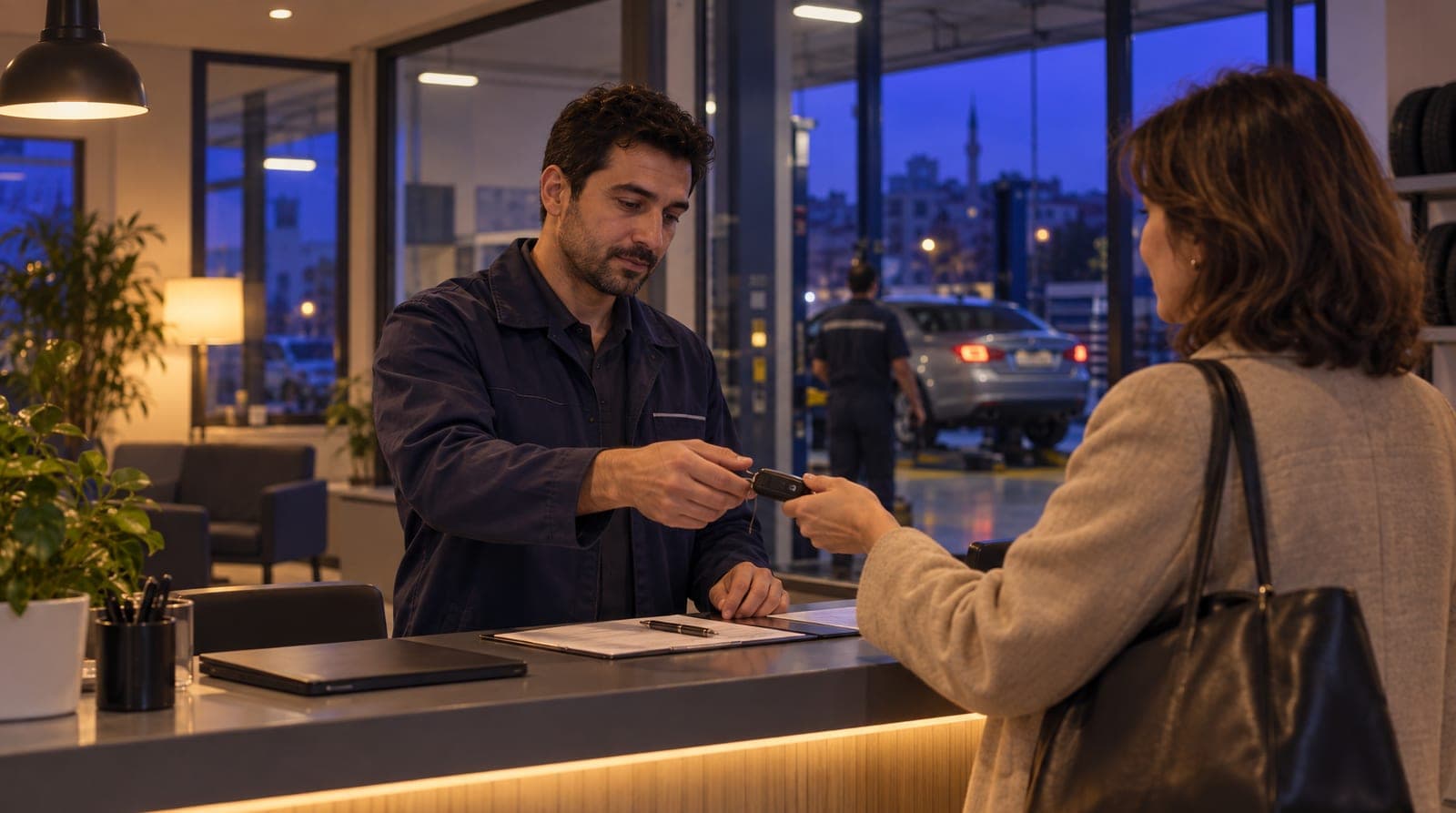
For a car dealer or service shop, a missed appointment is missed revenue. If nobody replies overnight to a "is this car still available" question, the buyer goes to another dealer; a service booking you can’t offer goes into another shop’s book; a test drive that doesn’t show up, or an empty lift hour, is a direct loss. Most businesses try to solve this with manual reminders (someone calling one by one, someone messaging one by one on WhatsApp) but this is tiring, inconsistent, and prone to being forgotten. This article explains how to build your appointment engine on inTusell with car dealer and service appointment automation, from vehicle and quote inquiries to test drive and service bookings, from conflict prevention to Google Calendar sync. This article is the automotive appointment and engine leg of our sector-by-sector "how you train your AI" series; for the automotive pillar of the series, see automotive AI training.
Quick answer
inTusell is an AI sales assistant and CRM that answers messages, books appointments and follows customers through the sales pipeline. Its appointment engine has four parts: appointment types, working hours, conflict checking that blocks double bookings, and reminders 1 day and 2 hours before. The AI answers vehicle questions; if the AI booking tools are on, it books the free test drive or service slot, otherwise it passes the request to your team. Google Calendar is one-way.
Why appointment automation
There are two reasons to move appointments into inTusell: so that no vehicle or service request is lost in the process, and so that no appointment goes without a reminder. In manual mode, everything depends on a person’s memory and working hours; in automatic mode, vehicle questions are answered 24/7, no booking request gets lost, and reminders go out on their own. If the AI booking tools are on, the AI books the appointment; otherwise the request goes to your team.
Think of the concrete difference like this:
| Situation | Manual appointments | Automated appointments (inTusell) |
|---|---|---|
| Vehicle/quote question | During working hours, by phone | 24/7, from the channel the customer wrote from |
| Booking | By hand, looking at the diary | The AI takes the request; books the free slot if the booking tools are on |
| Conflicts | Prone to human error | Blocked by the system (no double-booking) |
| Reminders | By hand, one by one, can be forgotten | Automatically 1 day + 2 hours before |
| No-show | Empty slot, empty lift, lost revenue | If you mark attendance, a rescheduling message with up to 3 open times |
| Calendar | Separate diary | One-way copy to Google Calendar |
This is where inTusell’s position as "not a chatbot, but an experienced sales advisor and service host" becomes concrete: a good advisor does not hand out appointments off the top of their head but checks the calendar; does not forget to call the buyer back but sends a reminder.
Who is it for?
- Dealers selling used and new cars that get vehicle questions all day under their listings and posts.
- Authorized and independent service shops doing periodic maintenance, mechanical work, and bodywork-paint, whose appointment book is overflowing.
- Slot-based businesses like tire shops, vehicle inspection, car wash, and detailing, where no-shows touch revenue directly.
- Teams managing multiple services with different durations (test drive, inspection, periodic service).
- Dealers and service shops whose team wants to track their day through their own Google Calendar.
No technical knowledge is required; setup is done from the panel.
1. Connecting vehicle and quote inquiries to appointments
In automotive, most appointments start with a question: "Is this car still for sale?", "What’s the mileage, is there a damage record?", "Do you take trade-ins, do you offer financing?", "How much is the 20,000 km service?". The AI answers these from the up-to-date inventory and service information you upload to your knowledge base and moves the conversation naturally toward an appointment.
The flow works like this: the customer asks about a vehicle or a price → the AI finds the right car or service from the knowledge base and answers → if there’s interest, it collects the date, time and any note (for service, the vehicle details and the issue). What happens next depends on your account: if the AI booking tools are on, it checks your working hours and booked times and books the free slot itself; if not, it passes the request to your team with those details, and you confirm the time or the customer picks a free slot on your online booking page. To see which applies, ask for a test drive in AI Test. So the vehicle inquiry and the appointment book are not two separate worlds; while answering the question, the AI directs the customer to a test drive or service in the same conversation. The most critical boundary here is this: the AI does not make up a price, mileage, damage record, or stock status it is unsure of. It clearly says it does not know and hands off to the team. That is why the foundation of a correct answer is keeping your inventory and price list up to date in the knowledge base.
We explained in detail how you upload inventory, price, and quote information to the knowledge base and how the AI handles vehicle inquiries in automotive AI training. This article focuses on the appointment engine that comes after the question.
2. Setting up appointment types
The foundation of the appointment engine is appointment types. You define a type for each service; a type has three important settings:
| Setting | What it does | Example |
|---|---|---|
| Duration | How many minutes the appointment lasts | Test Drive 30 min, Periodic Service 90 min |
| Buffer | The gap left after the appointment | 15 min lift cleanup/prep after a job |
| Color | Distinguishing on the calendar | Test drive blue, service orange, inspection green |
Duration is critical for calculating the free slot correctly: if "Periodic Service 90 min" is defined, the appointment engine looks for a 90-minute gap and does not squeeze the customer into a half-hour window. The buffer lets you leave breathing room for the lift or technician between two jobs. At a dealer, typical types are test drive and inspection appointments; at a service shop, they are job appointments like periodic maintenance, mechanical check, and bodywork-paint. If you wish, you can also define an informational price on the type; but remember, the AI does not close the final price or negotiate on a public channel: we explained this behavior in Instagram and WhatsApp automation for automotive.
3. Working hours and holiday exceptions
So that the AI only books appointments during the hours you are open, you define your working hours. This is two-layered:
- Weekly working hours: Opening and closing time for each day of the week (for example, Monday-Saturday 09:00-19:00, Sunday closed). You mark closed days as "unavailable".
- Exceptions (overrides): A special rule for a specific date. To close the business on a public holiday, religious holiday, or trade fair day, you add an "unavailable" exception to that day and write a reason ("Public holiday: closed"). You can also change the hours for a single day (for example, a half-day Saturday).
This way the AI does not offer a test drive on a holiday morning and does not book a service for a time after closing. Whatever your working schedule is, appointments follow it.
4. Conflict prevention: no two vehicles at the same time
This is the appointment engine’s most critical safeguard. Before inTusell creates an appointment, it checks two things: is the requested time within working hours, and is that slot full? If there is a conflict, the appointment is not opened. At a service shop this prevents pulling two cars onto one lift at the same time; at a dealer it prevents writing two test drives for one advisor at the same time.
Important detail: cancelled and missed appointments free the slot again in this check. That is, when a customer cancels a test drive, that time automatically becomes available again and can be opened to another buyer. Writing two jobs into the same time (the most common error of a manual diary) is blocked by the system.
5. The reminder engine: 1 day + 2 hours before
This is the part that really reduces no-shows (customers who don’t come). In automotive, a customer who doesn’t show up wastes not just that slot but that lift hour and the next car in line too. For every appointment, two reminders are scheduled automatically:
- 1 day before: A message reminding the customer of tomorrow’s test drive or service appointment, asking "1 Yes · 2 Reschedule · 3 Cancel" and carrying a change or cancel link; the reply is written to the appointment.
- 2 hours before: A second reminder sent the same day, shortly before the appointment.
The message is signed with your business’s assistant name. If the customer lets you know in advance that they cannot make it, the slot does not go to waste; the next candidate can be written into that time. Reminders run on paid plans; on the Free plan automations are off.
The reminder is not confined to a single channel; it works with a fallback chain:
- The channel the customer wrote from (WhatsApp, Instagram DM, Telegram).
- If that channel can’t be reached and an SMS provider is set up, SMS.
- If SMS also fails, email.
- For web chat customers, the message is written directly into the conversation history.
You can turn reminders on or off for each appointment from its appointment card; for example, a test drive booked the same day may not need the 1-day reminder. The system sends reminders only once; the same reminder going out twice is prevented.
6. No-shows and rescheduling
If the customer still does not show up despite all the reminders, you mark the appointment with the "No-show" button in the Agenda or Day view; an appointment still not marked "Attended" about 2 hours after it ends also counts as missed. After that:
- Pending reminder jobs are cancelled (no longer needed).
- The Google Calendar event is not deleted; the event is deleted only when the appointment is cancelled.
- If you mark attendance in the panel, the customer who did not show gets a rescheduling message with up to 3 numbered options from your real open times and an appointment management link.
- The customer is moved into the follow-up flow ("follow-up needed").
This message has one condition: if you have not marked any appointment "Attended" in the last 30 days, "missed" is only a guess and the message is not sent, because telling someone who did come "we missed you" is worse than not writing at all. It is also not sent if reminders are off for that appointment or the customer has turned off service notifications. The customer can move the missed appointment to a new time from their own link within 7 days.
7. Google Calendar sync (one-way)
If you want your team to see the day through their own Google Calendar, you connect the calendar by signing in with your Google account. Let’s be clear about how the sync works: it is one-way (inTusell → Google Calendar).
- When an appointment is created, an event titled "Randevu" (appointment) with the customer’s name drops into Google Calendar.
- When an appointment is rescheduled, the event is updated.
- When an appointment is cancelled, the event is deleted; a missed appointment keeps its event on the calendar.
The reverse does not apply: a change you make by hand in Google Calendar does not flow back to inTusell, and conflict checking does not look at Google Calendar’s busy times. Conflicts are always calculated from inTusell’s own appointment book. That is why Google Calendar is a "viewing convenience", not the appointment source. Even if you do not connect it, vehicle inquiries, appointments, reminders, and conflict prevention work exactly the same. You can review the integrations on the integrations page, and the inventory and appointment capabilities on the solutions and automotive solution pages.
What it isn’t
- It is not a simple chatbot. inTusell is an AI sales assistant and CRM that answers messages on WhatsApp, Instagram and web chat, books appointments and opens orders, and follows each customer through the sales pipeline.
- It is not a vehicle listing portal. It does not publish listings; it learns your inventory, answers vehicle questions, and runs the appointment.
- It is not an inspection/diagnosis tool. It does not make up damage records, real mileage, or fault diagnoses; it directs these questions to the team, the technician, and the relevant inspection, and does not commit to a price without seeing the car.
- It is not a two-way calendar. It writes to Google Calendar but does not read from it; it calculates conflicts from its own book.
- It is not an automotive-specific priced product. The appointment engine can be enabled on every plan; plans differ only by messages, voice minutes and storage, not by sector, and channels are never charged. For plan details, see the pricing page.
Frequently asked questions
Does the AI answer vehicle questions and quote requests on its own?
Yes. Using the inventory and service information you upload to your knowledge base, the AI answers questions like "is this car still available, what’s the mileage, do you take trade-ins, how much is the periodic service" 24/7 and moves a suitable lead to a test drive, inspection, or service appointment. It does not make up a price, mileage, or damage record it is unsure of; it says it does not know and hands off to the team.
When and through which channel are reminders sent?
For every appointment, a reminder is sent automatically 1 day before and 2 hours before. They go first through the channel the customer wrote from (WhatsApp, Instagram, Telegram); if that fails and an SMS provider is set up, SMS takes over, and if that also fails, email. The 1-day message asks "1 Yes · 2 Reschedule · 3 Cancel". You can turn off reminders for a specific appointment from its appointment card. Reminders run on paid plans.
Can two appointments be booked for the same time?
No. inTusell checks your working hours and the busy slots; a conflicting appointment is blocked. Cancelled or missed appointments free the slot again in this check.
What happens if a customer is a no-show?
An appointment still not marked "Attended" about 2 hours after it ends counts as missed, pending reminders are cancelled and the conversation moves to the "needs follow-up" stage. If you mark attendance in the panel (at least one appointment marked "Attended" in the last 30 days), the customer who did not show gets a rescheduling message with up to 3 options from your real open times and an appointment management link; if you do not mark attendance, this message is not sent, because "missed" would only be a guess.
Is the Google Calendar sync two-way?
No, it is one-way: inTusell writes the appointment to Google Calendar (creation, rescheduling, and cancellation are reflected). A change made or an event added by hand in the calendar does not flow back to inTusell and does not block the slot; conflict checking is always done from inTusell’s own appointment book.
Do you need separate software for the appointment system?
No. Appointment types, working hours, reminders, and calendar sync come built into inTusell. Google Calendar is optional; vehicle inquiries, appointments, and reminders work even if you do not connect it.
Next step
After setting up the appointment engine, you go in two directions. To shape the AI with your inventory, your services, your tone, and your automotive boundaries, read automotive AI training. To see how incoming vehicle questions and appointments are managed in daily operations, move on to automotive inTusell usage, and for the details of connecting channels, go to Instagram and WhatsApp automation for automotive. For the sector page see the automotive solution, for plans the pricing page; you can reach all the articles via the blog.
If you would like us to set up your appointment system together, Request a demo or write to hi@intusell.com; we’ll set up your working hours, your test drive and service appointment types, and the first reminder together.
You read the blog. Now see it live.
Test inTusell live with your own sector scenario in a 20-minute demo.